Small business automation doesn’t start with software. It starts with noticing the tasks you do the same way, over and over, and asking whether a person actually needs to be involved each time.
The best first automations are boring: they move information from one place to another, send the reminder nobody remembers to send, or turn a form into a record without anyone retyping it. This post covers where I usually start with clients, how to pick candidates, and, just as important, what I tell people to leave alone.
What automation is (and isn’t)
Automation means a system does a defined task when a defined thing happens. A form is submitted, so a contact is created and a welcome email goes out. An invoice passes its due date, so a polite reminder is sent. An appointment is booked, so the calendar, the CRM and the customer all get updated.
AI is a subset of this, useful when the input is messy language rather than tidy data. But most of the value for a small business comes from plain, rule-based automation. If you have read why most small businesses don’t need AI yet, you know my view: get the rules right first, and add intelligence where rules run out.
How to find your first automation
I ask clients to keep a simple log for one or two weeks. Every time someone does a repetitive task, they jot it down. Then we score each task against four questions:
- How often does it happen? Daily beats monthly.
- Is it predictable? Same trigger, same steps, same outcome.
- What happens when it is forgotten? A lost lead or a late invoice matters more than an unfiled document.
- Does it need judgment? If yes, it is a candidate for assistance, not full automation.
The tasks that score high on frequency, predictability and cost of failure, and low on judgment, go to the top of the list. That is usually a surprisingly short list, which is good. You want a few clear wins, not a sprawling project.
Where I usually start
Lead capture and follow-up
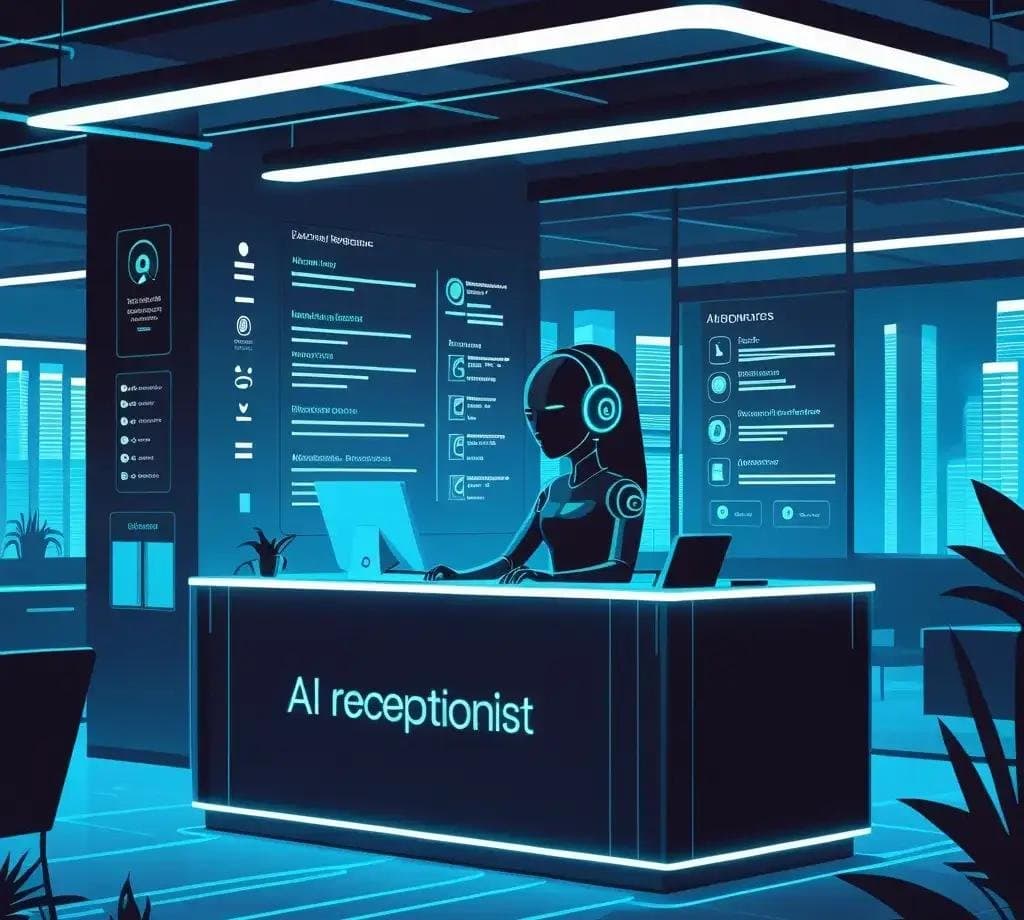
This is almost always first. Website forms, calls and messages should land in one place, create a record, notify the right person, and trigger an acknowledgement to the customer. The goal is that no inquiry ever depends on someone remembering to check an inbox. For businesses that get calls after hours, an AI receptionist can extend this to the phone.
Scheduling and reminders
Online booking connected to your real calendar, with confirmations and reminders sent automatically, removes a lot of back-and-forth. It also reduces no-shows without anyone having to make reminder calls.
Invoicing and payment reminders
Sending invoices when work is marked complete, and following up on overdue ones on a set schedule, is the kind of task that is easy to put off and costly to forget. Automating it also takes the awkwardness out of chasing payments.
Onboarding
When a new client signs, the same checklist usually follows: a welcome email, a questionnaire, a shared folder, a kickoff meeting. Turning that into a triggered sequence makes every client’s first impression consistent.
Internal reporting
If someone spends Monday morning copying numbers into a spreadsheet, that report can almost certainly build itself. A scheduled job that pulls from your CRM, accounting and booking tools and sends a short summary is one of the most appreciated automations I build.
What to leave alone
Knowing what not to automate is where most of the value is protected. These are the areas where I push back, even when a client is keen.
- Anything you haven’t done manually yet. If a process is new, run it by hand until you understand it. Automating a guess locks in the guess.
- Sensitive conversations. Complaints, cancellations, bad news and anything involving health, money or safety deserve a human voice.
- Decisions with real consequences. Approving refunds, hiring, pricing exceptions. Automation can gather the information; a person should decide.
- Rare edge cases. If something happens twice a year, the time spent building and maintaining an automation will outweigh the time saved.
- Personal relationship moments. A thank-you note from the owner means something because it isn’t automated.
In my healthcare work this line is especially clear. When I built an AI receptionist for a home healthcare agency, it handled repetitive questions and intake, but it never gave medical advice and it always had a clear path to a person.
Building it so it lasts
An automation that breaks silently is worse than no automation, because everyone assumes it is still working. A few habits prevent that:
- Write it down first. Document the trigger, the steps and the expected result in plain language before building anything.
- Give it an owner. One person is responsible for knowing it exists and noticing when it stops.
- Log and alert. Failures should notify someone, not disappear.
- Keep a manual fallback. The team should know how to do the task by hand if the system is down.
- Review quarterly. Processes change. Automations built for last year’s process quietly cause this year’s problems.
On the tooling side, many small businesses can get a long way with the automation features already built into their CRM, calendar and accounting software, plus a connector tool between them. When the logic gets more complex, or the data matters too much to trust to a chain of third-party connectors, I write custom scheduled jobs and integrations instead. Either way, the design work is the same.
Where AI fits in
Once the rule-based foundation is in place, AI can take on tasks that involve reading or writing language: sorting incoming emails, summarizing calls, drafting replies for a person to approve, or answering common questions in natural conversation. These work well precisely because the surrounding system already knows where information goes and who handles exceptions.
I think of it in layers. Clean data and documented processes at the bottom. Rule-based automation in the middle. AI on top, handling the messy edges. Skipping the bottom layers is the most common reason AI projects disappoint.
Start small, then keep going
Pick one automation this month. Lead follow-up is usually the right one. Build it, watch it for a few weeks, fix what surprises you, and then pick the next. A handful of reliable automations will do more for your business than an ambitious system nobody trusts.
If you would like help mapping your processes and choosing where to start, get in touch. You can also browse the systems and websites I have built in my portfolio, or read more about how I got here on my journey page.