A headless CMS is the part of a website where your team writes and stores content, with the website itself taken off and built separately. If a developer has recommended one to you, or you saw the phrase in a proposal and nodded along, this is the version I give clients: what it actually is, what it changes about your Tuesday afternoon when you need to fix a typo, what it costs beyond the subscription, and when I tell people not to bother.
I build sites both ways. Some have a headless CMS behind them, some run on WordPress, and some have no CMS at all. So the goal here is not to sell you on the architecture. It is to help you understand the trade well enough to make the call yourself.
What a headless CMS is, in plain terms
Sanity, one of the better known vendors, defines it simply: a headless CMS separates where content is stored (the body) from where it is presented (the head). The CMS holds your words, images and structured information, and hands them out through an API. A separate front end, usually built by a developer in a framework like Next.js, asks for that content and decides how it looks.
A traditional CMS like WordPress does both jobs in one system. You write a page in the dashboard, pick a theme, and WordPress renders the page your visitors see. That is often called a coupled or monolithic CMS.
An analogy that works for most owners: a traditional CMS is a restaurant where the kitchen and the dining room are one business. A headless CMS is a commercial kitchen that only cooks. It can supply your dining room, your food truck and your catering van, but someone has to build and run each of those front ends.
The three setups you will actually be offered
| Traditional CMS | Headless CMS | No CMS (content in code) | |
|---|---|---|---|
| Examples | WordPress with a theme, Webflow, Framer | Sanity, Payload, Contentful, or WordPress used only as a back end | Copy stored in the site's code files |
| Who edits | Anyone with a login | Anyone with a login, in a separate editing app | A developer |
| Design freedom | Limited by theme or builder | Complete, but every layout is custom built | Complete |
| Preview of drafts | Built in | Has to be set up by the developer | Only on a test deploy |
| Moving parts | One system | Two systems plus the connection between them | One codebase |
That third column surprises people. It is a real option, and for some businesses it is the best one. More on that below.
Why developers like headless, and why that is not automatically your reason
Developers like headless setups because the front end is theirs. They can use modern tools, control performance closely, and avoid fighting a theme. I share that preference on projects where the site does real work. My comparison of Next.js, WordPress, Webflow and Framer covers when custom code earns its cost.
The business reasons are narrower. A headless CMS is genuinely worth it when one or more of these is true:
- Your content is structured, not just pages. Locations, services, team members, case studies, FAQs, product specs. When the same item appears in several places, you edit it once. Sanity describes this as content being structured data, queryable, referenceable, and ready for delivery to any channel.
- The same content feeds more than one place. A website plus an app, a kiosk screen, an email, or an AI assistant that answers from your service list.
- The website does things a builder cannot. Booking flows, client portals, integrations with your CRM or operations system. In that case the front end is custom anyway, and a headless CMS is how you keep content editable without a developer.
- Several people publish often. A marketing team adding pages every week needs drafts, roles and an editing screen, not a developer queue.
If none of those apply, a headless CMS mostly adds a second system to pay for and maintain.
What changes in your day to day
This is the part proposals tend to skip. With a headless CMS, editing is not quite like WordPress, and a few things only work if your developer builds them.
Preview is a feature someone has to build
In WordPress you click Preview and see the page. In a headless setup, the CMS does not render your site, so it cannot show you the page by itself. The front end has to support it. In Next.js this is called Draft Mode, which the official docs describe as letting editors see how draft or in-progress content will render on your site, without waiting for revalidation, while other visitors keep seeing the published version. The same guide notes it relies on the CMS supporting configurable preview URLs and on a shared secret between the two systems.
Ask for preview explicitly in the scope. Without it, your team publishes blind and checks the live site afterwards.
Publishing is not always instant
Fast headless sites usually serve pre-built, cached pages. When you hit Publish, the site has to learn that something changed. The Next.js docs recommend exactly this pattern for CMS content: cache it for a long time, and configure the content source to trigger a webhook that calls revalidateTag when the content changes. Sanity supports this with webhooks that send customized HTTP requests when something in your Content Lake has changed.
One detail worth knowing: the same docs say revalidateTag uses stale-while-revalidate semantics, where stale content is served immediately while fresh content loads in the background. So the very first request after you publish can still show the old version for a moment while the new page is built.
When it is wired well, updates show up within moments and nobody thinks about it. When it is missing or broken, an editor publishes, sees the old page, publishes again, and emails the developer. If your team has ever said "I changed it but the site still shows the old version," this is usually why.
The editing screen is designed, not given
A headless CMS starts mostly empty. Someone defines what a "service" or "location" contains, which fields are required, and how the editing screen is laid out. Sanity Studio, for example, is an open-source content workbench where developers define content models using JavaScript objects, and it generates the editing interface from those definitions.
That is powerful. A well modeled CMS makes it hard to publish a broken page, because the fields only allow what the design can handle. A poorly modeled one gives you a single giant text box, which throws away most of the point of going headless.
The costs beyond the subscription
Many headless CMS products have generous free tiers. As of this writing, Sanity's pricing page lists a free plan with up to 20 user seats and 10,000 documents, and a Growth plan at $15 per seat per month. Payload is an open-source TypeScript codebase you own and deploy anywhere, and can be added to an existing Next.js app, so there is no per-seat fee, but you host and maintain it yourself.
The subscription is rarely the real cost. These are the lines I put in front of clients:
- Content modeling. Designing the fields and relationships properly takes real time before any page is built.
- Custom templates for every layout. There is no theme. If you want a new kind of page, a developer builds it.
- Preview and publishing hooks. Covered above. Budget for them up front.
- Two systems to maintain. The CMS and the front end both get updates, and the connection between them can break. My post on what website maintenance includes covers what that upkeep looks like.
- Migration out. Your content is structured data, which is easier to export than a pile of page builder markup. But the front end is tied to that CMS's API, so switching vendors later means rewriting the data layer.
When I recommend no CMS at all
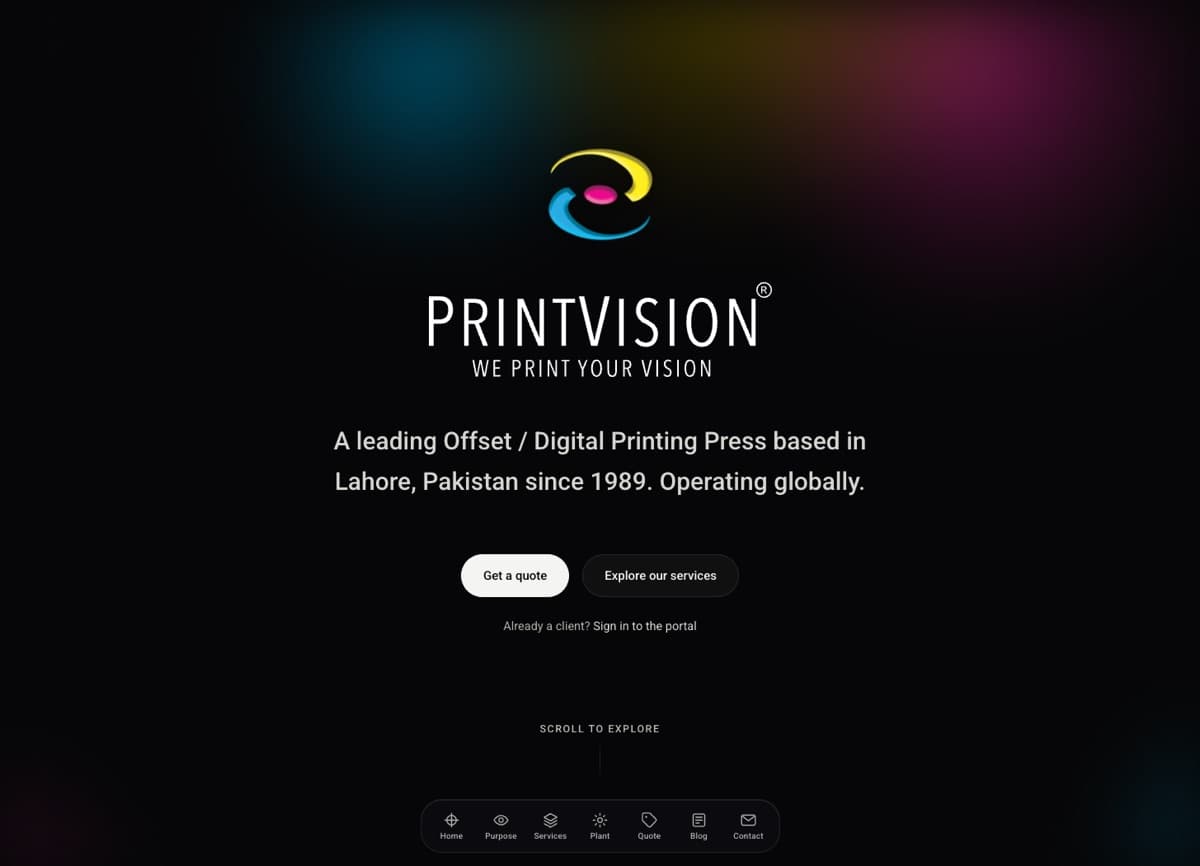
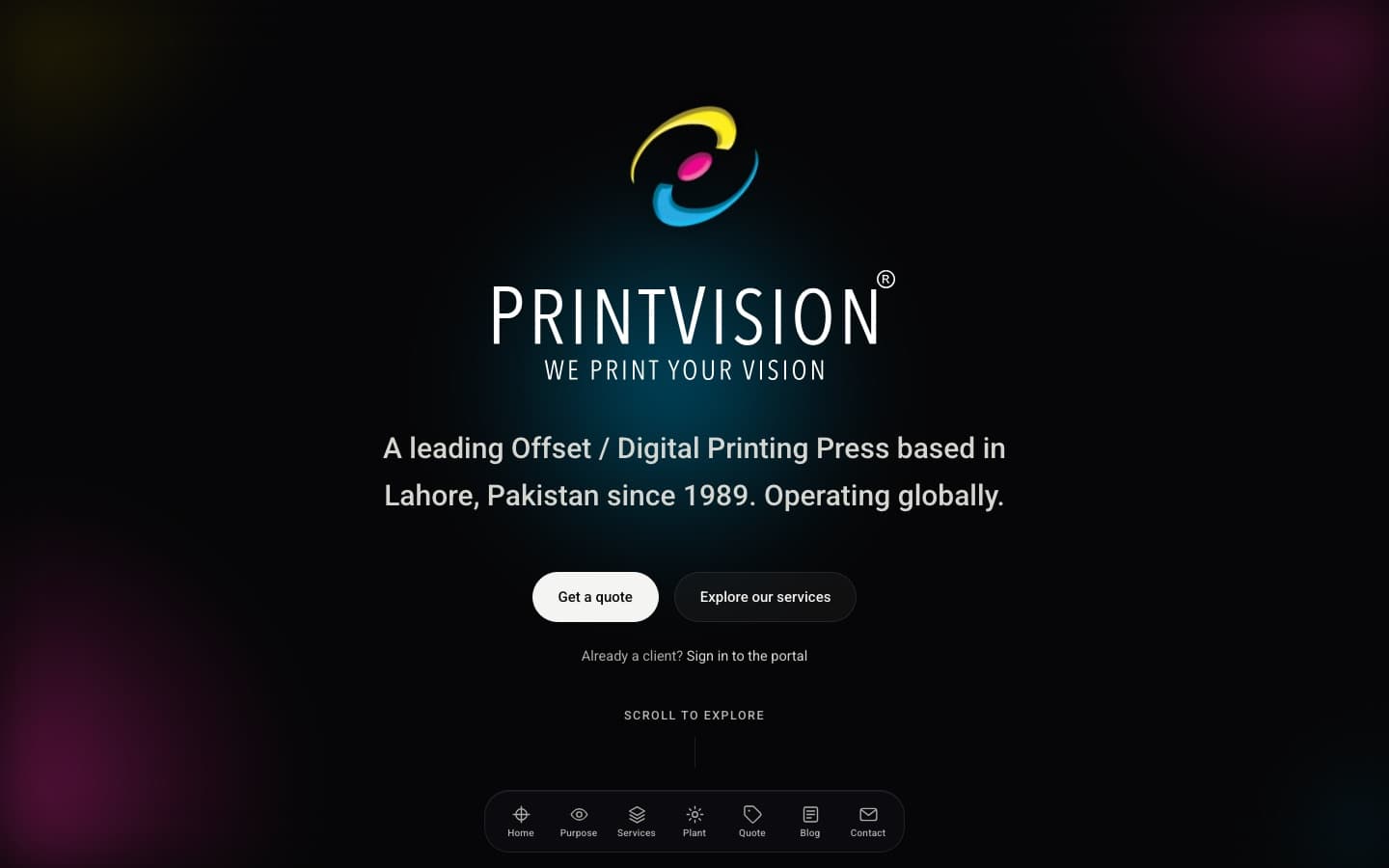
For the PrintVision website, I deliberately shipped without a CMS. The copy lives in typed code files, so every word change shows up next to the code that renders it, and values like the company's years in business compute themselves instead of going stale. The site is statically generated and wired into the client's own ERP, which is the real system of record for their operations.
The trade is real in both directions. A typo fix is a deploy, and there is no non-technical editing, drafts or preview. For a site whose copy changes a few times a year, it was the right call. This site works similarly: my blog posts are files in the repository, and I am the only editor, so a CMS would be a second login protecting me from nobody.
No CMS fits when the copy rarely changes, one person or a small technical team owns it, and you already have a developer relationship for other work. It does not fit when a marketing team needs to move on its own schedule.
WordPress can be headless too
If your team already knows WordPress, you do not have to give up the dashboard to get a custom front end. The WordPress REST API exists so developers can bring your WordPress content into completely separate applications. Editors keep the familiar screen; visitors see a custom site.
The catch is that you now maintain a WordPress install that nobody visits directly, plugin updates included, plus a front end. Many plugins that change what visitors see, like page builders and SEO plugins that output tags, stop doing anything useful because WordPress is no longer rendering the page. I usually suggest this only when a large existing content library and a trained team make switching editors expensive. If you are moving off WordPress entirely, my guide to migrating WordPress to Next.js without losing SEO covers the redirect and metadata work.
A decision checklist
Run through this before you agree to a headless build:
- Do at least two people outside development need to publish without help?
- Does the same content appear in more than one place, on the site or beyond it?
- Is the front end custom anyway because of features a builder cannot handle?
- Is draft preview in the written scope, with the CMS and framework named?
- Is publish-to-live automated through webhooks, and has someone tested it?
- Do you know who maintains the CMS, the front end and the connection, and what that costs per month?
- Can you export your content in a usable format if you leave?
Mostly yes: headless is likely a good fit. Mostly no: a well built traditional CMS or a builder will serve you better and cost less. One or two yeses with a small team: consider content in code, or ask whether a builder's CMS is enough.
Frequently asked questions
Is a headless CMS better for SEO?
Not by itself. Search engines see the pages your front end produces, not the CMS. A headless setup gives a developer full control over speed, metadata and structured data, which helps when someone uses that control. It also means things a WordPress SEO plugin handled automatically now have to be built.
Is a headless CMS more secure?
It can reduce what is exposed, because visitors hit a front end that is often pre-built pages, and the editing system sits elsewhere. But you now secure two systems and the keys that connect them, including the preview secret. Fewer moving parts is also a form of security.
Can my team still edit without a developer?
Yes, for the content the developer modeled. Changing text, images and entries is usually easy. Creating a new kind of page or section layout is not, because each layout is code.
Which headless CMS should I choose?
Choose the one whose editing screen your team prefers after a real trial, and that your developer has shipped with before. Hosted options like Sanity spare you the infrastructure; self-hosted options like Payload keep the data and costs in your hands. The content model matters more than the brand.
Do I need a headless CMS for a five-page site?
Almost never. A builder or a simple WordPress site will be faster to launch and cheaper to run. Headless pays off when content volume, structure or custom features grow.
Talk it through with me
If a proposal in front of you recommends a headless CMS and you are not sure it fits, I am happy to look at it. You can see the kind of builds I do on my services page, or send me a note with who edits your site today, how often it changes, and what it needs to connect to. I will tell you which of the three setups I would choose if it were my own business, including when the answer is the simpler one.