Creative coding for designers is not about becoming a developer. It is about getting a sketchbook that can repeat itself a thousand times, react to a microphone, and hand you a hundred poster variations while you make coffee. p5.js is the easiest way I know to start, because it runs in a browser tab and the first thing it asks you to do is draw a shape.
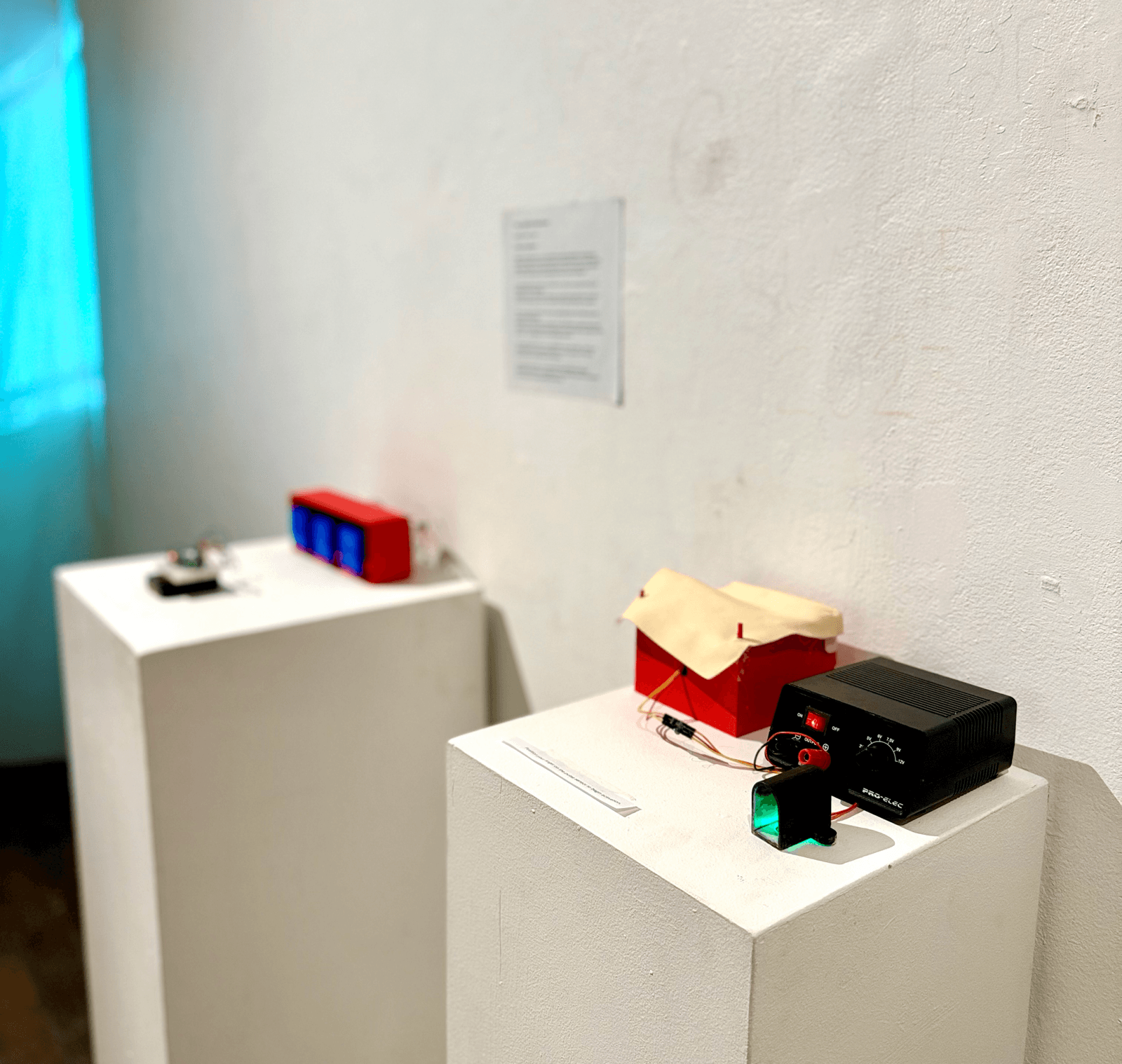
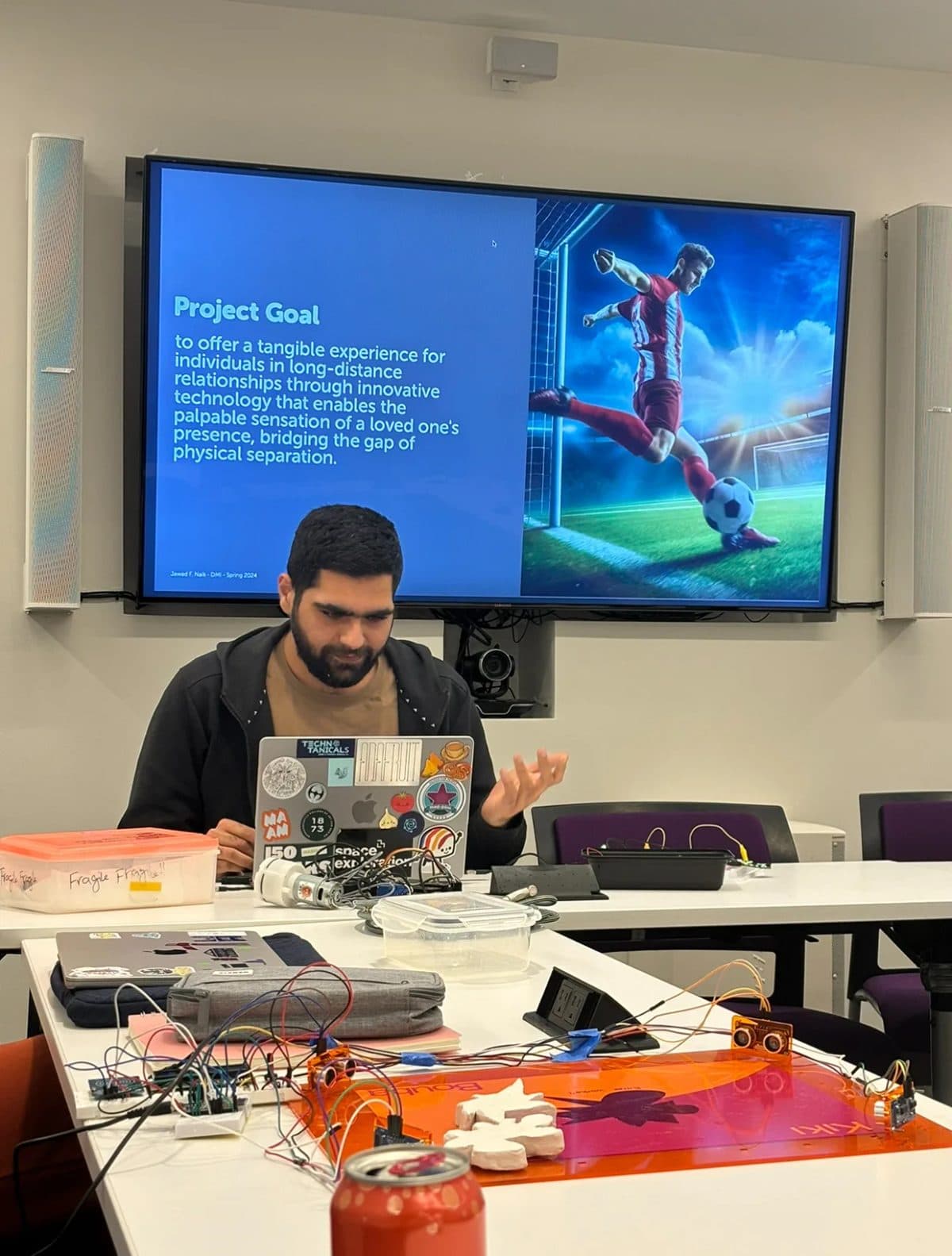
My own route in was its older sibling, Processing. In Uncense, an installation shown at Boston Cyberarts Gallery, a Processing sketch censored a visitor's speech and drove a circle that pulsed on screen as they talked. In my Huggables sensing prototype for MIT's Sensor Technologies class, a sketch read heart rate, breathing and temperature from a Circuit Playground and changed a shape's colour and size with every reading. Neither needed elegant code. Both needed a fast way to see an idea move. This post is the workflow I would hand a designer who wants that, using p5.js instead of desktop Processing.
What p5.js is, in plain terms
The project describes itself as "a free and open-source JavaScript library" for learning to code and make art, built for "artists, designers, beginners, educators, and anyone else." It is stewarded by the Processing Foundation, whose stated mission is "software literacy in the arts and visual literacy in technology." The Foundation also looks after Processing, the desktop environment I used for my installation work, which the Processing site notes turns 25 in 2026.
The practical difference for a designer: Processing is a desktop app, p5.js is a web library. A p5.js sketch is a web page, so you can send someone a link, put it on a portfolio, or embed it in a client site. You can start with no install at all in the p5.js Web Editor. At the time of writing, the p5.js homepage lists version 2.3.3, and that matters, because some older tutorials use patterns that changed in version 2 (more on that below).
Why creative coding for designers is worth an afternoon
I do not think every designer needs to code. I do think every designer benefits from one tool that works in rules instead of single artboards. Here is where p5.js earns its place for me:
- Systems, not single compositions. A brand pattern, a poster series or a set of social tiles is really a rule. Code lets you write the rule once and explore the space it opens.
- Motion studies before production. You can test how something should breathe, pulse or drift before anyone builds it in a real stack.
- Input you cannot fake in a mockup. Mouse, keyboard, webcam, microphone and sensors. Uncense only worked because the visual reacted to a real voice.
- Happy accidents you can keep. Seeded randomness means you can find a good variation and get it back exactly.
The only mental model you need: setup and draw
Every sketch has two functions. setup() runs once: make the canvas, set the colours, load what you need. draw() runs over and over. The p5.js reference notes that most computers default to 60 frames per second, and that noLoop() stops draw() from repeating, with redraw() to run it once more on demand.
That second part is the one designers miss. If you are making a static poster, you do not want a loop redrawing 60 times a second. You want one frame, drawn when you ask for it. If you are making a motion study, you want the loop. Decide which you are making before you write anything.
A first sketch: a seeded poster generator
This is a generic teaching sketch, not code lifted from a client job. It draws a poster of overlapping circles, uses noise to vary their size across the page, saves a PNG when you press S, and moves to the next variation when you press N.
let seed = 7;

function setup() {
  createCanvas(600, 800);
  noLoop();
  describe('A generated poster of overlapping circles on a cream background');
}

function draw() {
  randomSeed(seed);
  noiseSeed(seed);
  background(245, 240, 230);
  noStroke();

  for (let i = 0; i < 120; i++) {
    let x = random(width);
    let y = random(height);
    let size = 20 + noise(x * 0.005, y * 0.005) * 140;
    fill(random() < 0.8 ? color(30, 30, 30, 40) : color(230, 90, 40, 200));
    circle(x, y, size);
  }
}

function keyPressed() {
  if (key === 's') saveCanvas('poster-' + seed, 'png');
  if (key === 'n') { seed++; redraw(); }
}
Four functions in there do most of the design work:
randomSeed()sets the seed forrandom(), so the same seed gives the same poster every time.noiseSeed()does the same fornoise(). Write the seed in the file name and you can always get a variation back.noise()returns values between 0 and 1 that change smoothly when the inputs change slightly. That is why the circles grow and shrink in regions instead of jumping around. Userandom()for scatter andnoise()for anything that should feel organic.saveCanvas()saves the canvas as PNG, WebP or JPG.describe()creates a screen reader accessible description of the canvas. It costs one line, so I add it from the first sketch.
Five exercises that build real skill
Tutorials teach syntax. Constraints teach design. These are the exercises I would set, in order, each meant to fit in one sitting:
- One shape, one input. Draw a single circle whose size follows the mouse. This is the Uncense idea in miniature: one visual, one signal, and you tune how the signal feels.
- Smooth the input. Make the circle ease toward the mouse instead of snapping to it. Raw input looks twitchy, which is the same lesson I wrote about for hardware in IoT prototyping with Arduino for designers.
- A grid with one rule. Fill the canvas with a grid of marks and change only one property (rotation, size or colour) by position or noise. You will learn more about restraint here than anywhere else.
- Your brand palette as code. Put three to five brand colours in an array and generate patterns that only pick from it. If the output looks off brand, the palette or its proportions need work, not the code.
- Export a series. Save ten seeds as PNGs and lay them out side by side. Pick the three you would actually print, and write down what they share. That shared quality is your real rule.
Things that trip designers up in p5.js 2
Most of the friction I see comes from old tutorials and from treating a sketch like a layout file.
| Problem | What is happening | What to do |
|---|---|---|
| Image or font is not there when draw runs | In version 2, loadImage() returns a Promise and is meant to be used in an async setup with await. The project's compatibility notes list this as the replacement for the 1.x preload() pattern | Write async function setup() and img = await loadImage('photo.jpg') |
| Poster looks different every refresh | No seed, so every run is new | Call randomSeed() and noiseSeed() at the start of draw() |
| Fans spin up on a static piece | draw() is looping for nothing | Add noLoop() and call redraw() when something changes |
| Export is blurry for print | The canvas is sized for a screen | Make the canvas at print pixel size, or build vector work in a tool meant for it |
| Motion study needs to go in a deck | A screen recording is fiddly | saveGif() saves a GIF from the sketch, with the duration given in seconds |
Connecting p5.js to the physical world
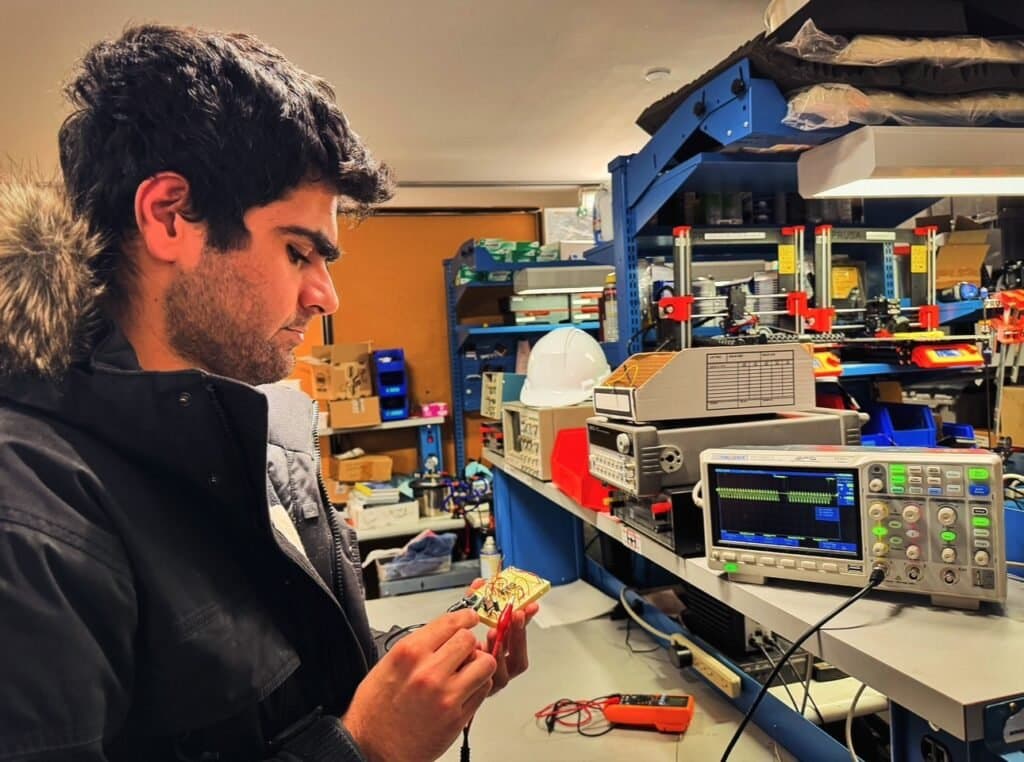
This is where creative coding stopped being a screen exercise for me. In the Huggables prototype, the microcontroller did the sensing and a Processing sketch on a laptop did the showing, reading values over serial and turning them into a shape. That split, a board for input and a sketch for expression, is still the cleanest way I know to prototype an interactive object.
In a browser, the equivalent route is the Web Serial API. MDN marks it as limited availability, not Baseline, because it does not work in some of the most widely used browsers, and it only runs in secure contexts (HTTPS). That is fine for a studio prototype or a gallery laptop where you control the browser. It is the wrong choice for anything the public has to open on their own phone. For that, I keep the hardware out of it or relay the data through a small server.
Putting a sketch on a real website
The global style in the examples above (functions named setup and draw at the top level) is great for learning and bad for a production site, because it assumes p5.js owns the page. The fix is instance mode: you wrap the whole sketch in a function that receives the p5 object, and pass an element for it to live inside. The reference says instance mode is useful for pages with several sketches or other JavaScript frameworks, which describes basically every site I build in Next.js.
import p5 from 'p5';

const sketch = (p) => {
  p.setup = () => {
    p.createCanvas(400, 400);
    p.describe('A slowly drifting field of dots');
  };
  p.draw = () => {
    p.background(250);
    // drawing code, always through p.
  };
};

const instance = new p5(sketch, document.getElementById('hero-sketch'));
// when the component unmounts: instance.remove();
That last line matters in React. According to the reference, remove() stops the draw loop and removes the HTML elements the sketch created, including the canvas. Skip it and a component that mounts twice leaves two canvases running.
Before a sketch goes on a client page, I check three things:
- Does it respect reduced motion? Check the
prefers-reduced-motionsetting and show a still frame (onenoLoop()call) to people who asked their device for less movement. - Does it stop when nobody can see it? A looping canvas below the fold still costs battery. Pause it when it scrolls out of view.
- Is it describing itself? Use
describe()so the canvas is not a blank box to a screen reader.
The same performance thinking applies to scroll animation in general, which I cover in GSAP scroll animation performance.
When not to reach for p5.js
I like p5.js a lot, and I still leave it out of most client projects. My rules:
- Interface animation: buttons, menus and scroll reveals belong in CSS or an animation library that works with the page's own elements. A canvas cannot be selected, translated or indexed.
- Text that matters for SEO: anything drawn into a canvas is pixels. Headlines and copy stay in HTML.
- Heavy 3D: p5.js can do 3D, but if the experience is really a 3D product or scene, a dedicated 3D library is the better fit, and even then it has to earn its place. I wrote about that call in when an interactive 3D website is worth it.
- Final print artwork: I use code to explore and pick, then rebuild the chosen piece in a layout tool so type, colour profiles and bleed are handled properly.
Where it does belong: generative brand assets, campaign variations, exhibition pieces, a single expressive hero moment, and every early prototype where the question is "how should this feel?"
A one week starting plan
- Day 1: Open the Web Editor, run the poster sketch above, and change every number at the top once.
- Days 2 to 4: Do exercises 1 to 3, one per day, and save the sketches with clear names.
- Day 5: Rebuild the poster with your own palette and export ten seeds.
- Day 6: Turn one sketch into a short GIF for your portfolio or a client deck.
- Day 7: Write down the one rule your best outputs share. That is the start of a system.
Frequently asked questions
Do I need to know JavaScript before starting p5.js?
No. p5.js was built for beginners and the first steps are drawing shapes. You will pick up variables, loops and conditions along the way, and that small set covers most design sketches.
Should I learn Processing or p5.js?
For most designers today, p5.js, because the output is a web page you can share with a link. I used Processing for installation work, and a desktop app remains a good fit for offline pieces. The concepts move between them almost one to one.
Is p5.js free to use on client work?
The p5.js site describes it as free and open source, and the license file in the project's repository is the GNU Lesser General Public License, version 2.1. Read those terms (or ask whoever handles licensing for your studio) before shipping it in a commercial product, the same as you would for any library.
Can p5.js replace my design tools?
No, and it should not try. It is best at exploring rules, motion and input. Layout, type setting and print production still belong in tools built for them.
If you want a generative piece for a brand, an interactive installation, or a prototype that reacts to people or sensors, tell me what you are imagining. I am happy to help you figure out whether code is the right medium and build it if it is.