Website maintenance is the work that keeps a site safe, reachable, accurate and findable after launch day. Most proposals list it as one line, “care plan, monthly,” and most owners never find out what that line covers until something breaks. This post breaks the line apart into the actual jobs, how often each one should happen, and how to tell whether you are paying for real work or for a dashboard nobody reads.
I build and look after sites on Next.js and WordPress, including the PrintVision rebuild, so the list below comes from my own maintenance routine. If you only want the numbers, I cover typical plan prices in what a home health agency website costs. This post is about what the money should buy.
What website maintenance actually includes
I group maintenance into six jobs. A good plan covers all six, or tells you plainly which ones are your responsibility.
- Updates and security patches for the platform, plugins, themes, packages and the server runtime.
- Backups and restores, including proof that a restore works.
- Uptime, domain and certificate watch, so the site does not vanish because a card expired.
- Search health: indexing errors, broken links, redirects and sitemap accuracy.
- Forms, integrations and accounts: the parts that actually bring you leads.
- Content upkeep: prices, staff, hours, legal pages and anything with a date on it.
Notice what is not on that list: redesigns, new pages, new features and SEO campaigns. Those are projects or retainers. Maintenance keeps what you have working. When a plan blurs the two, you either overpay for “strategy” you never see or you get billed hourly for things you assumed were included.
1. Updates and security patches
This is the job most people think of, and the one with the most real risk. What it involves depends heavily on your platform.
On WordPress
WordPress handles some of this for you. Its official upgrade documentation says minor core releases and translation files have updated automatically by default for years, and that new installations since WordPress 5.6 have automatic updates on for major core releases too. Plugins and themes are different: by default they only update in the background in special cases decided by WordPress.org, so in practice most of them wait for someone to act. That gap is where most WordPress maintenance lives, because a typical small business site runs a page builder, a forms plugin, an SEO plugin and a few others, each on its own release schedule.
The same documentation is blunt about the safety net: without a backup of your entire site and database made before the upgrade, a successful rollback is “near impossible.” So the real maintenance task is not “click update.” It is back up, update on a staging copy or during a quiet hour, check the pages that matter, and keep the backup until you are sure.
On Next.js and other code-based sites
A coded site has no plugin dashboard, but it still has dependencies, and they still get security fixes. Two recent examples show why someone has to be watching.
On March 17 and 18, 2025 the Next.js team shipped patched releases (14.2.25 and 15.2.3) for a middleware bypass, CVE-2025-29927, where a forged internal header, x-middleware-subrequest, could skip middleware entirely. Vercel’s postmortem notes that sites hosted on Vercel were not affected because its routing runs in a separate system, while self-hosted deployments using next start or standalone output were, with the most risk for apps that used middleware to check whether a user was logged in. Same framework, different risk, depending on hosting.
Then on December 3, 2025, Next.js published a security advisory for CVE-2025-66478, a critical React Server Components flaw rated CVSS 10.0 that could allow remote code execution in App Router apps on Next.js 15.x and 16.x. The advisory says there was no workaround: you had to upgrade. A later update recommended that any app online and unpatched as of 1:00 PM PT on December 4, 2025 rotate its secrets, starting with the most critical. That is a maintenance task with a deadline measured in hours, not a quarterly chore.
Under the framework sits the runtime. The Node.js project’s release page says production applications should only use Active LTS or Maintenance LTS releases, and lists Node 18 (end of life March 2025) and Node 20 (end of life March 2026) as no longer supported. If your host still builds your site on one of those, no one is patching that layer anymore. Checking the runtime version once a quarter takes a minute and is easy to forget.
2. Backups you have actually restored
Nearly every plan says “daily backups.” Far fewer can tell you when they last restored one. CISA’s #StopRansomware guide recommends maintaining offline, encrypted backups of critical data and regularly testing their availability and integrity in a disaster recovery scenario, because many ransomware variants look for reachable backups and delete or encrypt them too.
For a small business website that translates into a few concrete checks:
- What is backed up: files and the database for WordPress. For a coded site, the code lives in a Git repository, but the content, uploaded media, form submissions and environment settings may live elsewhere. Each one needs a home.
- Where it is stored: at least one copy away from the hosting account. A backup on the same server dies with the server.
- How long it is kept: long enough to go back before a problem started. A compromise or a bad edit is not always noticed the same day, so a week of daily copies can be too short.
- When it was last restored: I restore to a staging copy on a schedule. A backup that has never been restored is a hope, not a backup.
3. Uptime, domain and certificate watch
The most embarrassing outages are not hacks. They are expired renewals.
Domains. Under ICANN’s Expired Registration Recovery Policy, registrars must send expiry notices roughly a month and a week before expiration, and after a domain expires the registrar must interrupt its DNS resolution for at least the last eight days it can still be renewed, or from the expiry date itself if it will be deleted sooner. In plain terms: your website and your email stop working. Those notices go to whatever email is on the registration, which is often a former employee or an old agency. Maintenance should include confirming the registrant contact, turning on auto-renew and checking the card behind it.
SSL certificates. Many hosts renew these automatically, which is why people forget they exist until a renewal fails. Lifetimes are getting shorter. Let’s Encrypt announced that its default certificates move from 90 days to 64 days on February 10, 2027 and to 45 days on February 16, 2028. Shorter lifetimes mean automation matters more, and a site on a manually installed certificate will fail more often. An external check that alerts you when a certificate is close to expiry is cheap insurance.
Uptime. A simple monitor that requests your homepage and your contact page every few minutes and alerts a real person is enough for most small businesses. The question to ask is who gets the alert, and what they do next.
4. Search health
Search problems rarely announce themselves. Rankings drift, then calls drop, and nobody connects the two. Google’s Search Console documentation describes alerts for indexing, spam and other issues Google finds on your site, which only help if Search Console is set up and someone reads those emails.
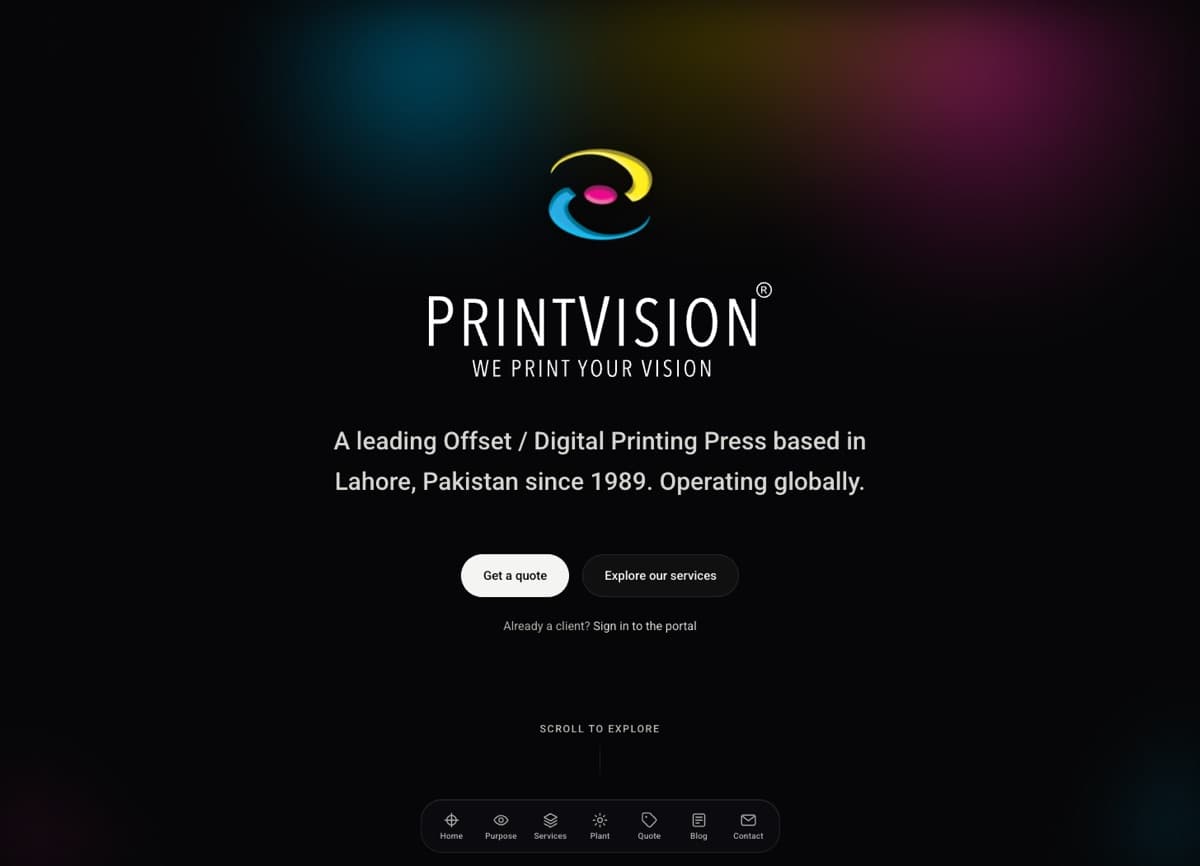
The PrintVision rebuild shows what happens when nobody does. Before I touched it, the company’s old WordPress site had a shop page returning a 404 while about forty-eight demo WooCommerce products, the theme’s sample items, sat in its sitemap. Its stat counters rendered as broken text in the page HTML. None of that was a dramatic failure. It was years of small things no one was checking. The case study linked above has the full story.
A monthly search health pass covers:
- New errors in the Search Console Page indexing report.
- Broken internal links and pages returning 404 that used to rank.
- Redirects still in place for old URLs, especially after a redesign.
- The sitemap listing only real, indexable pages.
- Core page titles and descriptions still accurate after content edits.
I go deeper on each of these in my technical SEO checklist for small businesses. Maintenance is mostly re-running that checklist on a schedule.
5. Forms, integrations and accounts
For most small businesses, the contact form is the website. It is also the part most likely to break silently. A plugin update changes a field, an email provider tightens its rules, an API key expires, and the form keeps showing “thank you” while nothing arrives.
- Test-submit every form monthly and confirm the message lands where it should, whether that is an inbox, a CRM or a database.
- Check the integrations behind it. On PrintVision, both public forms post to one server route that writes into the client’s own ERP. The payload shape is a written contract in the code repository, so a change on either side is visible. Even so, someone still sends a test.
- Review spam protection. Rate limits and bot checks need adjusting when spam patterns change.
- Audit who has access. Hosting, domain registrar, CMS admin and analytics accounts collect former staff and old contractors. Remove them, and make sure the business, not a vendor, owns each account.
6. Content upkeep
Stale content is a maintenance failure too. Old prices, staff who left, holiday hours from last year, a copyright footer from 2021 and a blog whose newest post is three years old all tell visitors nobody is home.
Where I can, I remove the need to remember. On PrintVision the years-in-business figure is calculated from the founding year, 1989, so it updates itself every January. The trade-off I chose there was no CMS: copy lives in code, which means every edit is a reviewable change but also a deploy. That suits a site whose copy changes a few times a year. It would be the wrong choice for a team that wants to edit pages daily.
A maintenance schedule you can hold someone to
| Task | How often | What “done” looks like |
|---|---|---|
| Security patches | Within days of release | Patched version deployed, site checked |
| Routine plugin and package updates | Monthly | Backup taken first, key pages tested after |
| Backups | Daily, automated | At least one off-site copy |
| Restore test | Quarterly | Backup restored to staging and working |
| Uptime and certificate alerts | Continuous | Alerts reach a named person |
| Form test submissions | Monthly | Each form’s message received at its destination |
| Search Console and broken links | Monthly | New errors fixed or explained |
| Runtime and hosting versions | Quarterly | Supported versions confirmed |
| Domain, registrar contact, access audit | Twice a year | Auto-renew on, contacts current, old users removed |
| Content review | Quarterly | Prices, people, hours and legal pages current |
Ask any provider for a short monthly report against a table like this. If the report only shows a green “all plugins updated” badge, you are paying for automation, not maintenance.
When you do not need a paid maintenance plan
Not every site needs a monthly retainer. You can reasonably skip one if:
- You are on a hosted builder like Squarespace or Wix, where the platform company runs and updates the software and servers, not you. You still own jobs 3 through 6, but they take an hour a month and you can do them yourself.
- Your site is static with no logins, no database and a simple form service. The attack surface is small. A quarterly check may be plenty.
- The site is about to be replaced. Keep it patched and backed up, but do not pay for content and SEO upkeep on a site with three months to live. Put that money toward the redesign instead.
Where I would not skip it: WordPress sites with many plugins, any site that takes payments or logins, and anything handling health, financial or personal data. Those carry the most risk and need someone accountable.
Frequently asked questions
Is hosting the same as website maintenance?
No. Hosting keeps the server running. Maintenance keeps your site on that server patched, backed up, working and accurate. Some managed hosts bundle parts of both, such as automatic core updates and daily backups, so check exactly which of the six jobs above your host covers.
Do Next.js sites need less maintenance than WordPress?
Usually less routine work, because there is no plugin stack to update. But not zero. The December 2025 React Server Components advisory required every affected Next.js App Router site to upgrade, with no workaround. A coded site needs someone who watches security advisories and can deploy a fix quickly.
Can I do website maintenance myself?
Much of it, yes. Form tests, content review, domain and access checks and reading Search Console emails need no developer. Updates, restore tests and security patches are where a mistake can take the site down, so that is where hiring help pays off.
What should a maintenance report include?
What was updated and to which versions, the date of the last successful backup and last restore test, uptime and any incidents, form test results, new search errors and how they were handled, and anything that needs a decision from you.
Need someone to keep it running?
I look after sites I have built and sites I have inherited, and I am happy to start with an honest audit of what yours needs, which is sometimes less than you are paying for now. See my services, or tell me about your site and the platform it runs on, and I will tell you which of these six jobs are covered, which are not, and what I would fix first.