Most advice about schema markup for a small business was written when Google showed far more rich results than it does today. FAQ dropdowns, how-to steps and a handful of other enhancements have gone, and plugins still generate markup for some of them. So the useful question is no longer “should I add schema?” but “which few types still do something for a business like mine, and which ones are wasted effort or a risk?”
This is the version I use when I set up or audit structured data on client sites. It is narrower than most guides on purpose.
What schema markup actually does, and what it doesn't
Structured data is a block of code, almost always JSON-LD, that states facts about a page using the schema.org vocabulary: this is an accounting firm, this is its address, this article was written by this person on this date. Google recommends JSON-LD over the other two supported formats, Microdata and RDFa, and so do I. It sits in one script tag and doesn't tangle with your design.
Three things from Google's own documentation set expectations better than any vendor pitch:
- It is not a guarantee. Google's structured data policies say it does not guarantee your markup will show up in results, even if it is correct.
- Penalties affect eligibility, not rankings. The same page says a manual action for spammy markup makes a page lose eligibility for rich results, and that it doesn't affect how the page ranks.
- AI features don't need it. Google's guide to generative AI features in Search says structured data isn't required and there is no special schema.org markup to add, while still recommending it for rich result eligibility.
So schema is not a ranking lever and it is not an AI visibility trick. It is a way to make your facts unambiguous and to qualify for the specific search features that still exist. Google's introduction to structured data lists case studies, such as Rotten Tomatoes measuring a 25% higher click-through rate on pages with structured data and Nestlé measuring 82% higher click-through on pages shown as rich results. Those are large publishers with recipe-and-review style content, reported by Google itself, so I treat them as proof the features can matter, not as a forecast for a five-page service site. I covered the AI side in more depth in what Google AI Overviews mean for small business SEO.
Schema markup types that still help a small business
Google's search gallery is the list that matters, because it shows which features Google currently supports. Schema.org defines hundreds of types; Google displays a small fraction. Here is how I sort the gallery for small businesses.
| Type | Who should use it | What it can influence | My call |
|---|---|---|---|
Organization | Every business | Logo in results and your knowledge panel | Always |
LocalBusiness subtype | Anyone serving customers at a location or in an area | Business details such as hours and actions | Always, if local |
BreadcrumbList | Sites with more than one level of pages | Breadcrumb trail in place of the URL | Yes, cheap to add |
BlogPosting / Article | Anyone with a blog | Title, image and date display | Yes, if you publish |
Product | Shops and anyone selling a priced item | Price, availability, review ratings | Only if you sell products |
Event | Venues, organizers, classes | Google's event search experience | Only for real, dated events |
JobPosting | Businesses hiring often | Google's job search experience | Worth it for constant hiring |
Review / AggregateRating about yourself | Nobody, for stars | Not eligible for stars | Skip |
FAQPage | Nobody, for rich results | No longer shown | Skip for rich results |
Organization: the one every site needs
Google's Organization documentation has no required properties and recommends the ones that are useful to people: name, url, logo, address, telephone, email, description and sameAs links to your social and review profiles. It goes on the home page or an About page, not every page. The logo has to be at least 112 by 112 pixels, crawlable, and legible on a white background. That last detail catches more businesses than you'd expect: a white logo on a transparent PNG disappears.
LocalBusiness: pick the most specific subtype
Google's local business guide requires only name and address, recommends telephone, url, geo, openingHoursSpecification and priceRange, and asks you to use the most specific subtype possible. A tax practice is an AccountingService, a brokerage is a RealEstateAgent, a clinic might be a MedicalBusiness or one of its subtypes. Because LocalBusiness inherits from both Organization and Place, a specific subtype can carry the Organization properties too, so you don't need two separate blocks.
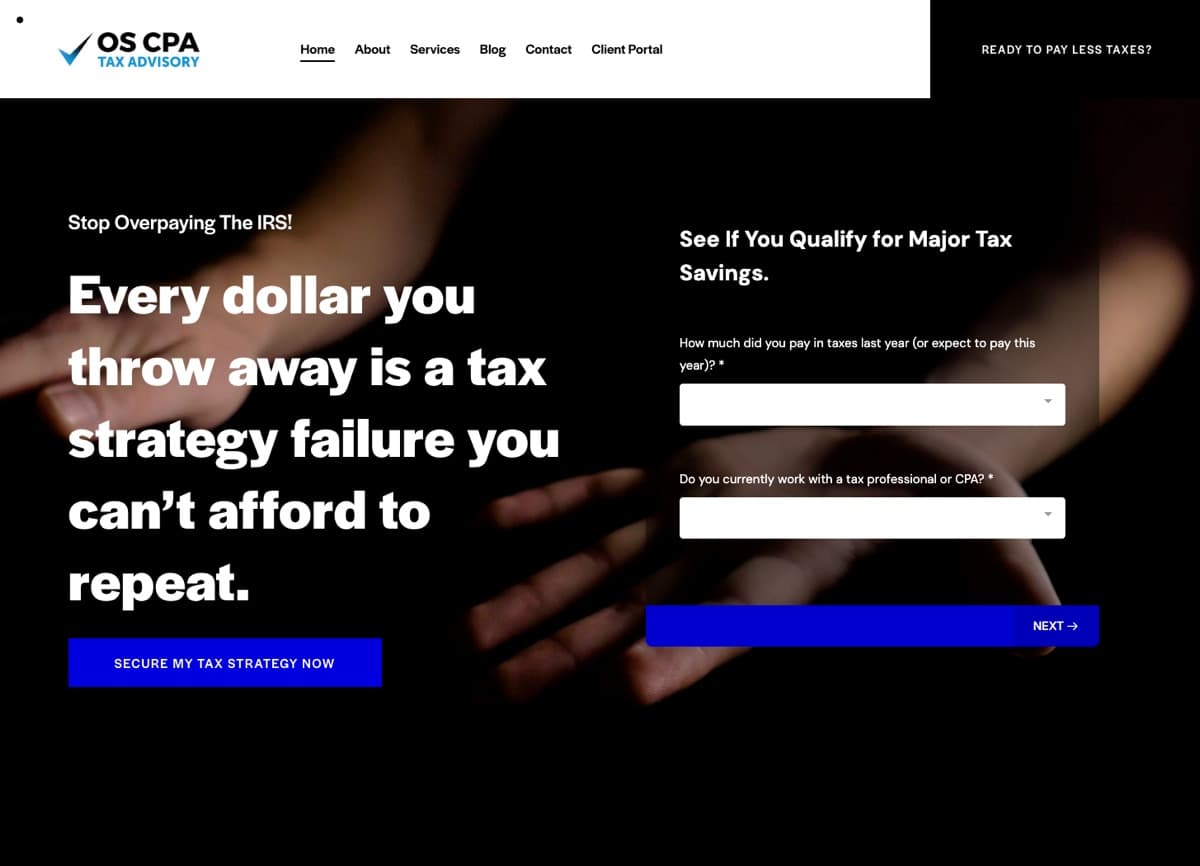
When I checked the live markup on two sites I've worked on, both WordPress builds where Rank Math generates the graph, OSCPA Tax Advisory declares itself an AccountingService and Lonestar Home Healthcare uses CommunityHealth, a MedicalBusiness subtype. That is the level of specificity to aim for. The same audit is also where I look at what the plugin filled in for you: opening hours, logo dimensions and phone format are fields people set once in a settings screen and never look at again.
Breadcrumbs and blog posts
BreadcrumbList needs an ordered list of items, each with a position, a name and an item URL (optional on the last one). Google's documentation currently describes the feature as available on desktop, so don't expect it to change your phone results. It is still worth adding, because it's generated from data your site already has and it describes your structure clearly.
For articles, Google's Article guide has no required properties and recommends headline, image, datePublished, dateModified and author, with author.url pointing to a profile page. On this site every post gets a BlogPosting block built from the same data that renders the page, with the author linked by a stable ID to the Person markup on every page. If the date on the page changes, the markup changes with it, because there is only one source.
What to skip, and why
Star ratings about your own business
This is the most common thing I remove. Google's review snippet guidelines state that if the entity being reviewed controls the reviews about itself, its pages using LocalBusiness or any other Organization markup are ineligible for star reviews. That includes testimonials you embed through a third-party widget. The local business guide repeats it: aggregateRating and review are only recommended for sites that capture reviews about other businesses.
So a testimonials block marked up as a 4.9-star AggregateRating won't produce stars, and the policies page warns that reviews or ratings not by actual users can lead to a manual action. Put your effort into getting reviews on your Google Business Profile instead, where they do show.
FAQ markup aimed at dropdowns
Google limited FAQ rich results to well-known, authoritative government and health sites in September 2023. Then, according to its documentation updates log, it added a deprecation notice on May 8, 2026 saying the feature would no longer appear in Search starting May 7, 2026, and in June 2026 it removed the FAQ documentation entirely. The old FAQ guide URL now redirects to that changelog entry. My home page still carries FAQPage markup for its questions section. It is accurate and harmless, but I wouldn't add it to a site today expecting anything back. A good FAQ section on the page is still worth writing for the people reading it.
Features Google has retired
On June 12, 2025 Google announced it was phasing out several structured data features, including Course Info, ClaimReview, Estimated Salary, Learning Video, Special Announcement and Vehicle Listing, saying they were not commonly used and the update would not affect how pages are ranked. The updates log shows the documentation for most of them was deleted that September, and Practice Problem followed in January 2026. If an old plugin or agency added any of these, they're dead weight. Check the documentation updates page before adding anything that isn't in the current gallery.
Markup for things that aren't on the page
Google's policies say not to mark up content that isn't visible to readers. The AI features guide says the same thing about structured data generally. Service areas, prices, hours, ratings: if it is in your JSON-LD, a visitor should be able to see it on that page. I treat any mismatch as a bug.
A minimal LocalBusiness block you can adapt
Here is the shape I start from for a single-location service business. The business is a placeholder; replace every value with your own and delete anything you can't show on the page.
<script type="application/ld+json">
{
  "@context": "https://schema.org",
  "@type": "AccountingService",
  "@id": "https://example.com/#business",
  "name": "Example Tax Co.",
  "url": "https://example.com",
  "logo": "https://example.com/logo-512.png",
  "telephone": "+1-555-555-0100",
  "address": {
    "@type": "PostalAddress",
    "streetAddress": "100 Main St, Suite 200",
    "addressLocality": "Allen",
    "addressRegion": "TX",
    "postalCode": "75013",
    "addressCountry": "US"
  },
  "openingHoursSpecification": [{
    "@type": "OpeningHoursSpecification",
    "dayOfWeek": ["Monday", "Tuesday", "Wednesday", "Thursday", "Friday"],
    "opens": "09:00",
    "closes": "17:00"
  }],
  "sameAs": [
    "https://www.linkedin.com/company/example",
    "https://www.facebook.com/example"
  ]
}
</script>
Two details are worth copying. The @id gives the business a stable identifier, so your blog posts and service pages can point to it as publisher instead of repeating it. And the hours use openingHoursSpecification, the property Google's local business guide recommends, which handles split days and closed days more clearly than a single text string.
How to implement it on your platform
- WordPress: an SEO plugin like Rank Math or Yoast will generate an Organization or LocalBusiness graph from its settings screens. Use it, but open the settings and check every field, especially business type, hours and logo. Don't stack a second schema plugin on top; two plugins can each output a business block with different details.
- Custom builds like Next.js: generate JSON-LD from the same data that renders the page. On this site the
PersonandWebSitegraph lives in the root layout, each post builds itsBlogPostingfrom the post's metadata, and the services page builds itsServiceentries from the same list that renders the cards. Nothing is typed twice, so nothing drifts. - Webflow, Squarespace, Wix: most let you paste a script into the page or site head. That works, but it is hand-maintained: when your hours change, the markup won't. Put a note in whatever checklist you use for updating the site.
Testing, then watching
- Run the page through Google's Rich Results Test. It tells you whether the page is eligible for Google's features and flags missing required properties.
- Run it through the Schema Markup Validator too. It checks against schema.org in general, which catches errors in types Google doesn't display, like
Service. - Compare the output with the page side by side: name, address, phone and hours should match the visible text and your Google Business Profile exactly.
- After deploying, watch the rich result reports in Search Console. Google's introduction page points to those reports for monitoring after launch, and they're where errors from template changes show up weeks later.
Schema is one item on a longer list. If your pages aren't indexed, or load slowly on a phone, markup won't rescue them; my technical SEO checklist for small businesses covers the rest.
Frequently asked questions
Does schema markup improve rankings?
Not directly. Google's policies describe structured data as a route to rich result eligibility and say markup penalties don't affect ranking. Its value is clearer facts and eligibility for features like logos, business details and breadcrumbs.
Do I need special schema for ChatGPT or Google's AI Overviews?
For Google, no. Its AI features guide says there is no special schema.org markup to add. Clear, crawlable pages with visible facts matter more.
Can I add my Google reviews to my site as star markup?
You can display them, but marking them up as ratings about your own business makes the page ineligible for star snippets under Google's review guidelines. Show them as plain content.
How often should I check my structured data?
Whenever your hours, address, phone or logo change, after any theme or plugin update, and on a quick pass every few months in Search Console.
If you'd like me to look at what your site is outputting today and tell you what to keep, fix or delete, send me your URL. It is usually a short list, and I'll explain each item in plain language.