Case study
Huggables
Interconnected body pillows that sense a partner's pulse and recreate heartbeat, breathing, warmth and scent across a long distance.
- Interaction Design
- Product Design
- Surface Design
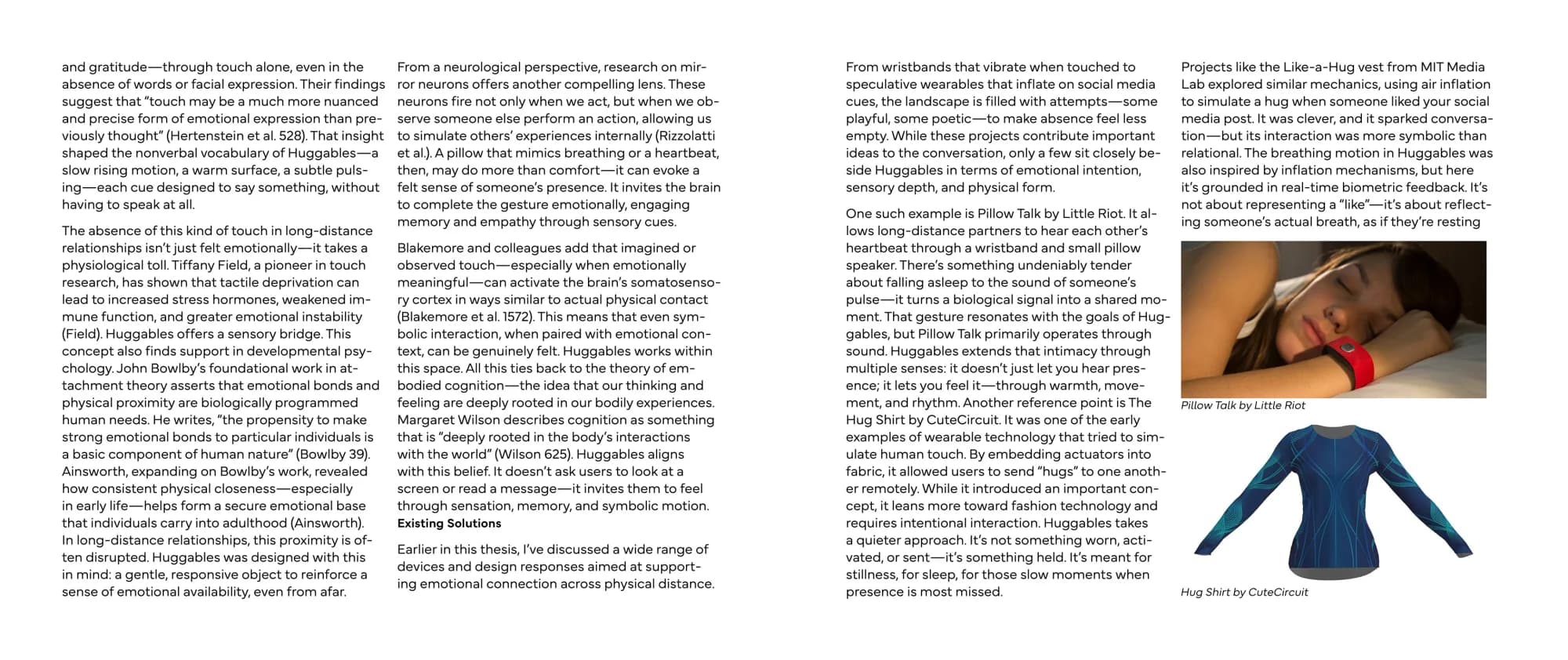
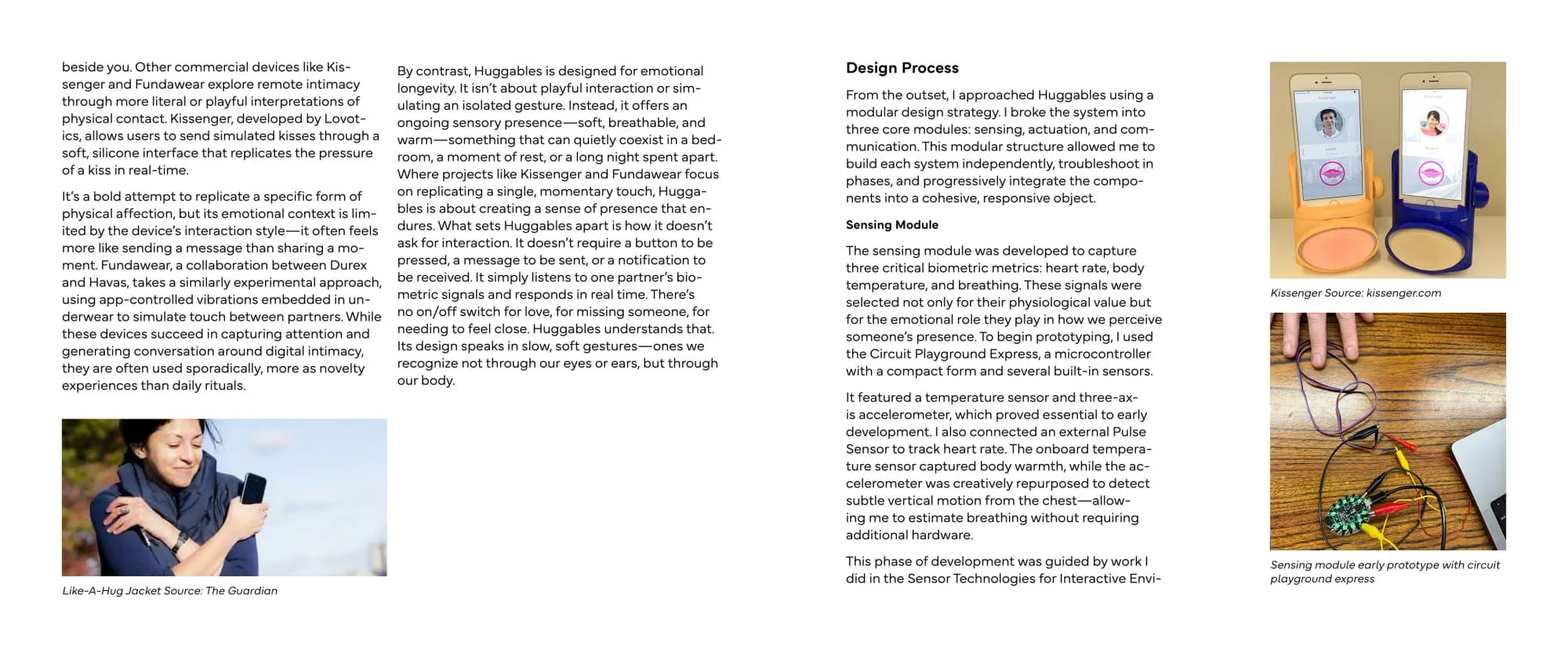
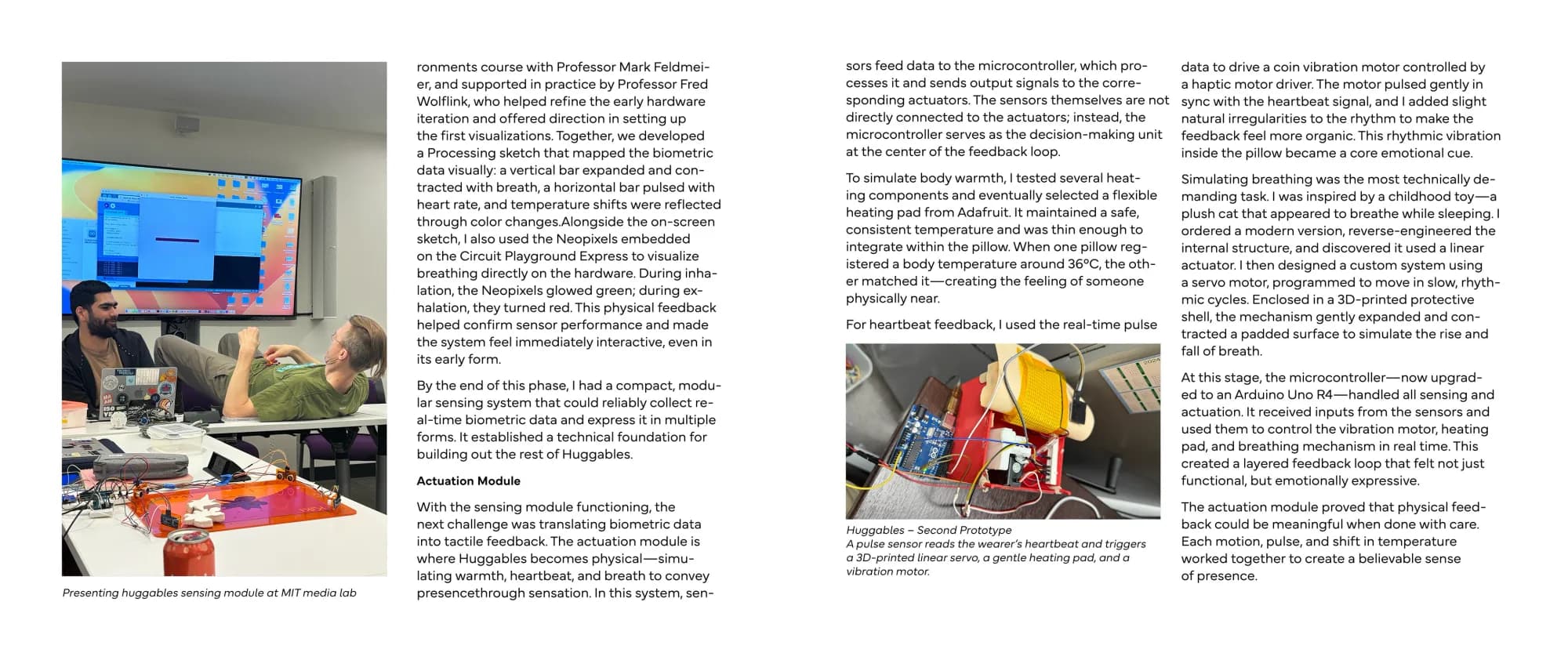
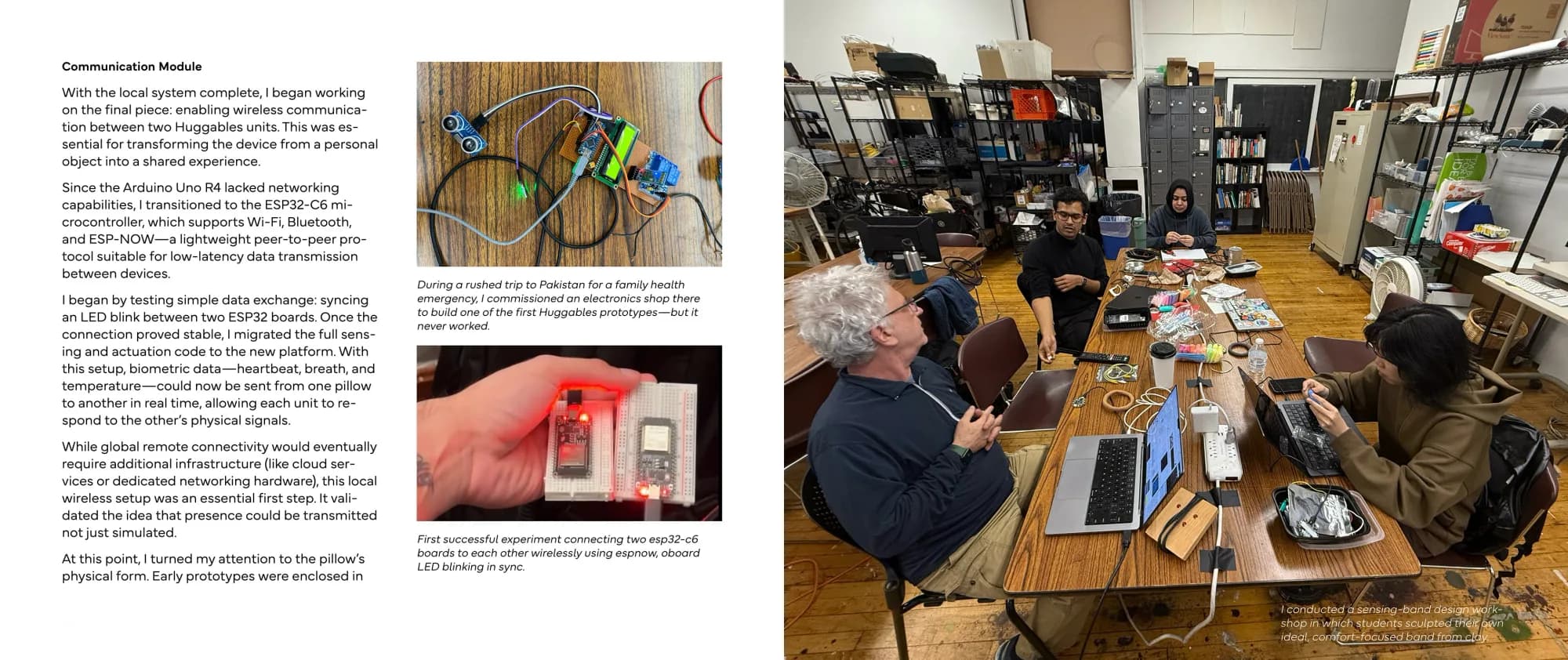
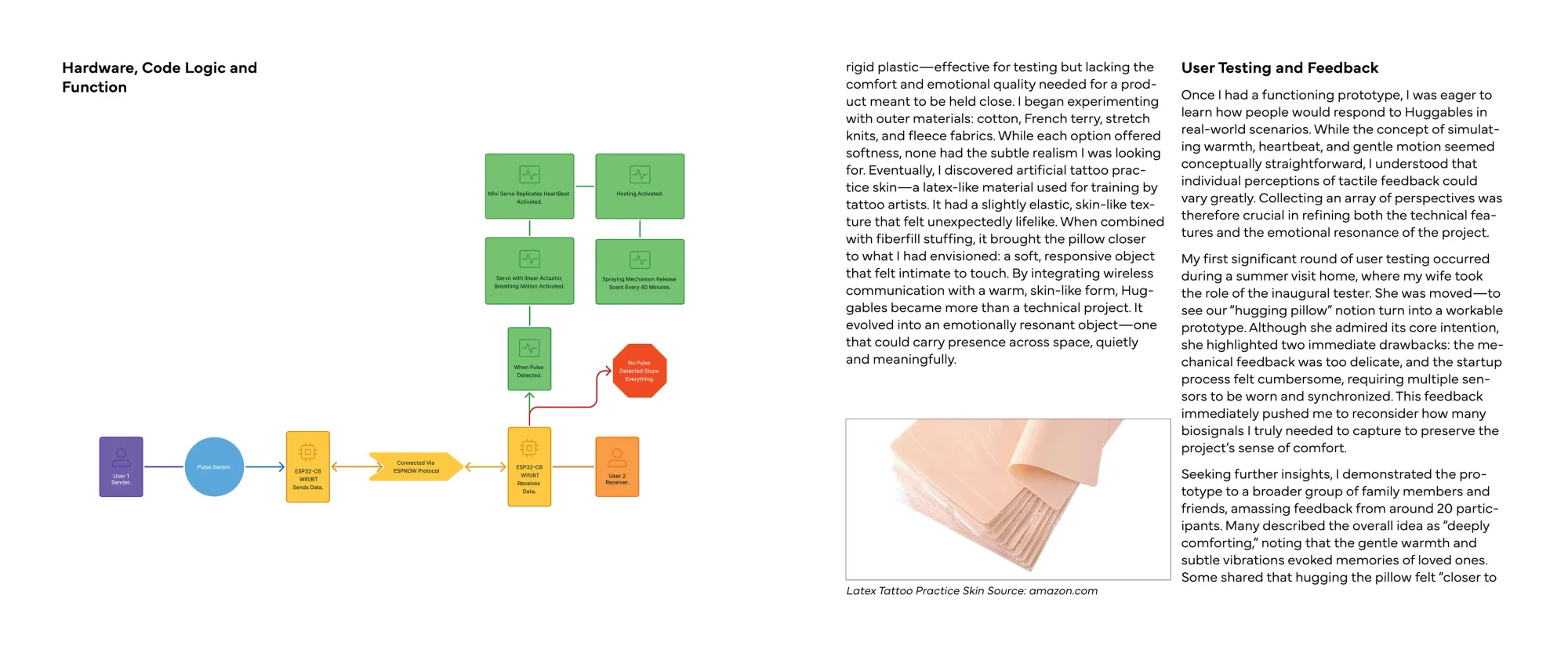
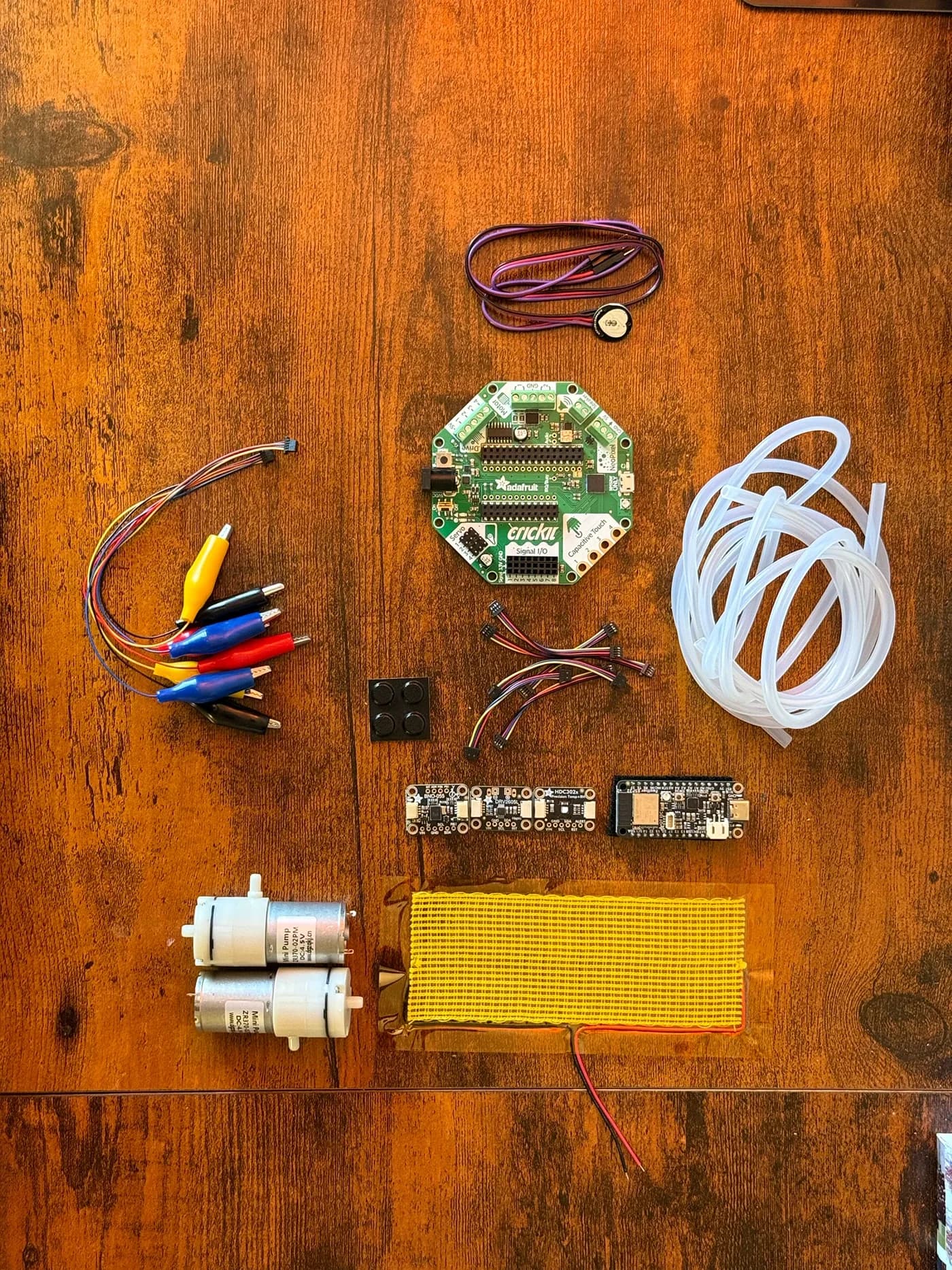
Huggable is an interactive project designed to bridge the emotional gap in long-distance relationships by simulating the comforting sensation of a human embrace. This set of interconnected latex body pillows offers a multisensory experience that recreates the feeling of closeness with a loved one, even when they are miles away Each pillow is equipped with a pulse sensor that detects the user's heartbeat. When a heartbeat is detected, the pillow responds by simulating key human sensations — gentle breathing patterns, a rhythmic heartbeat, soothing warmth, and even a familiar scent. These interconnected pillows are designed to respond in unison, creating a synchronized experience that mimics the comfort of holding someone close. Designed with long-distance relationships in mind, Huggable provides a tangible way for individuals to feel emotionally connected despite physical separation.
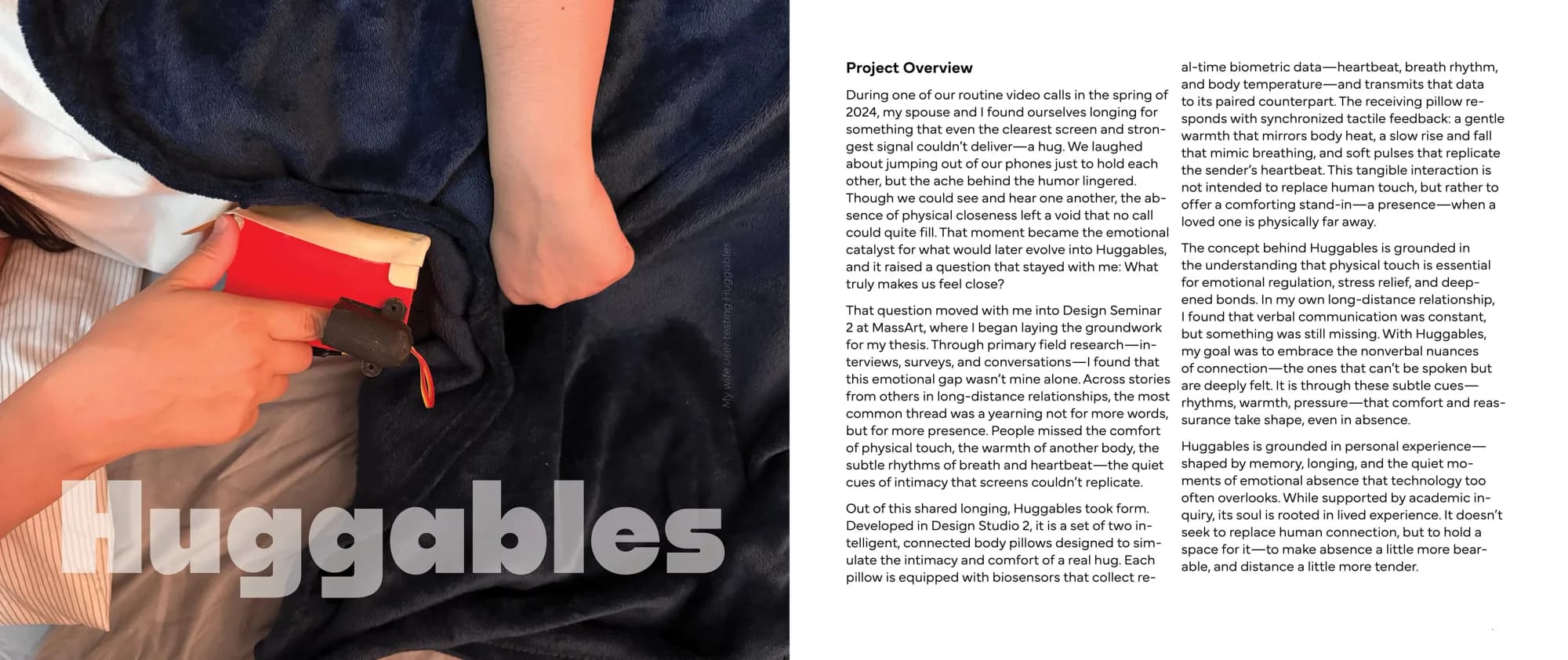
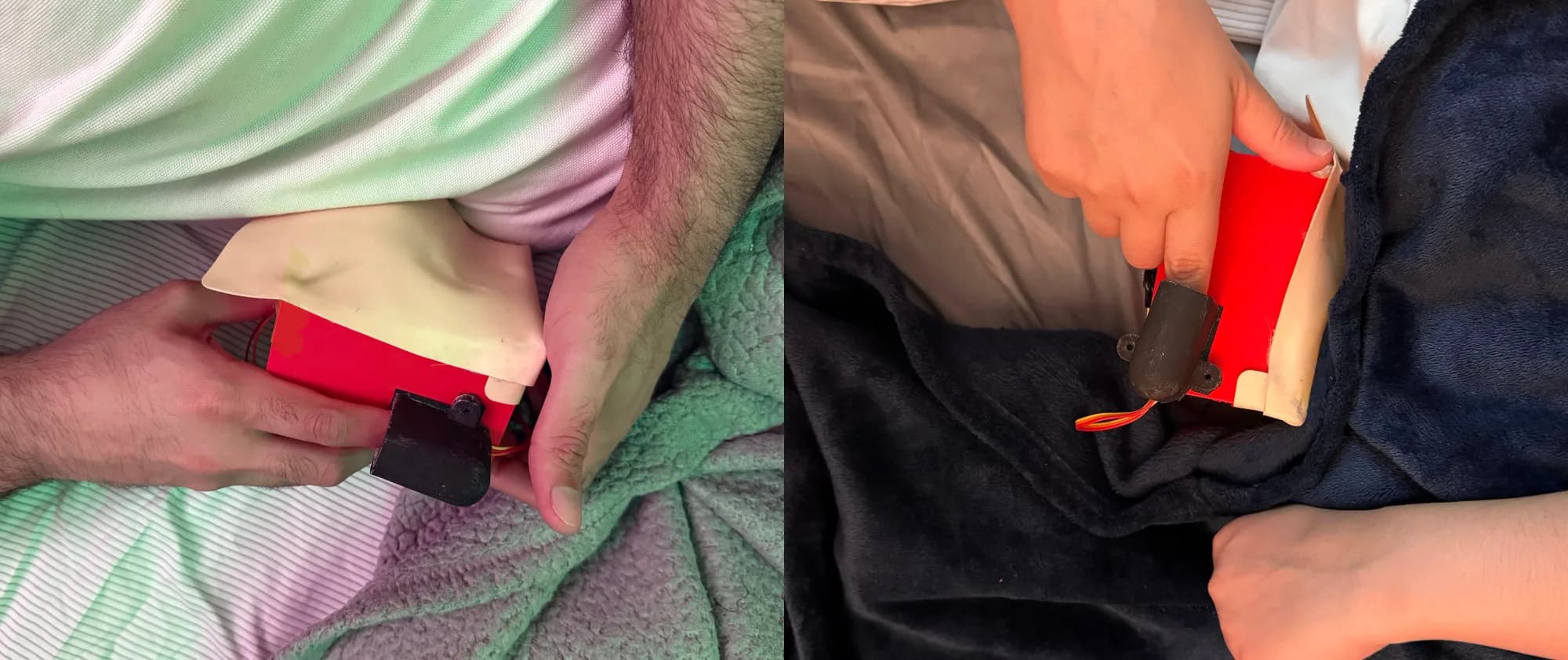
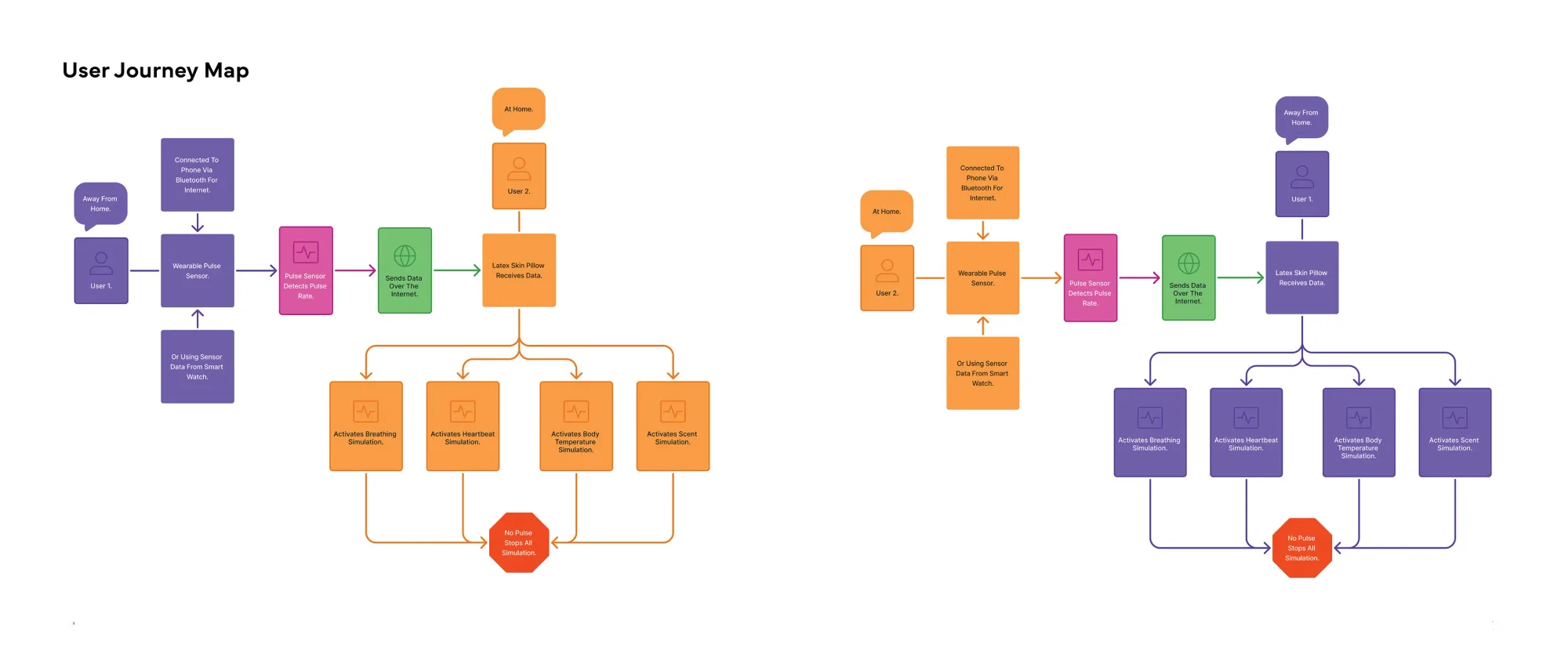
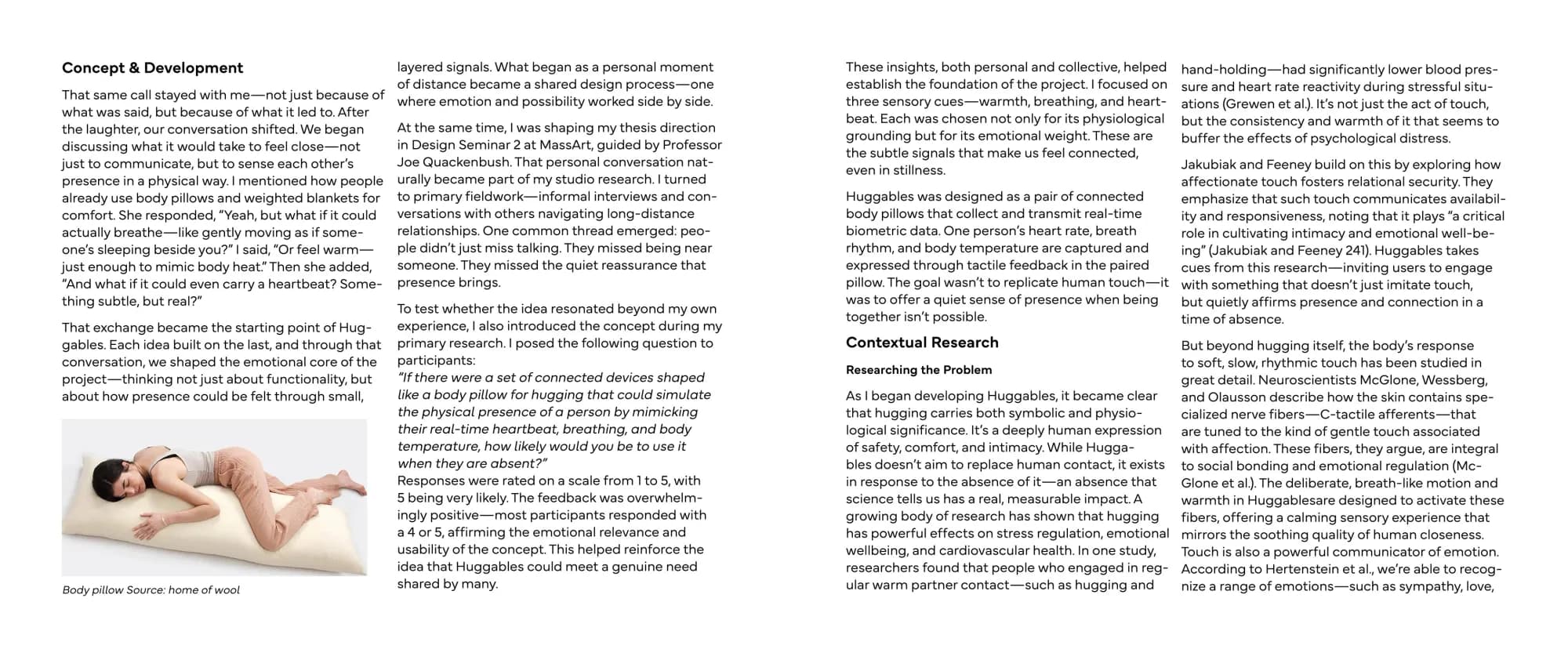
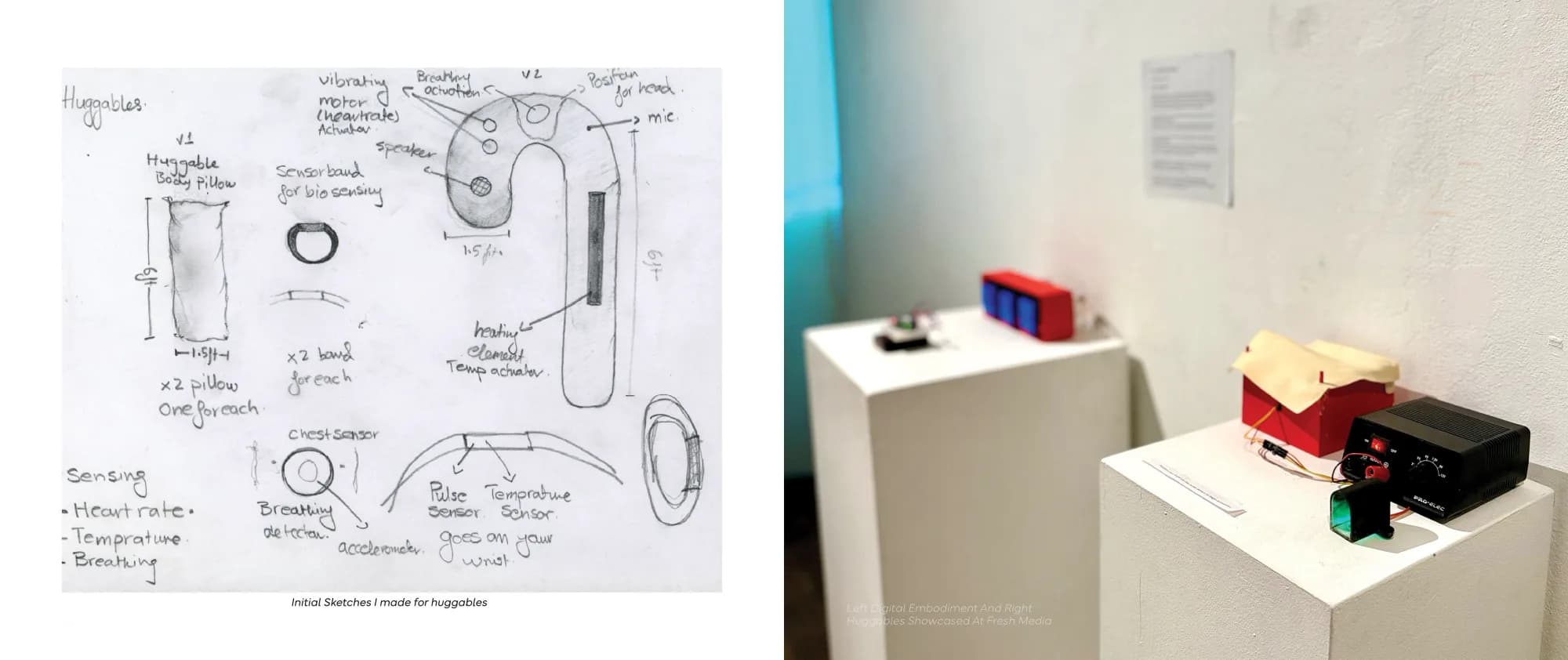
Behind The Scenes - Work In Progress
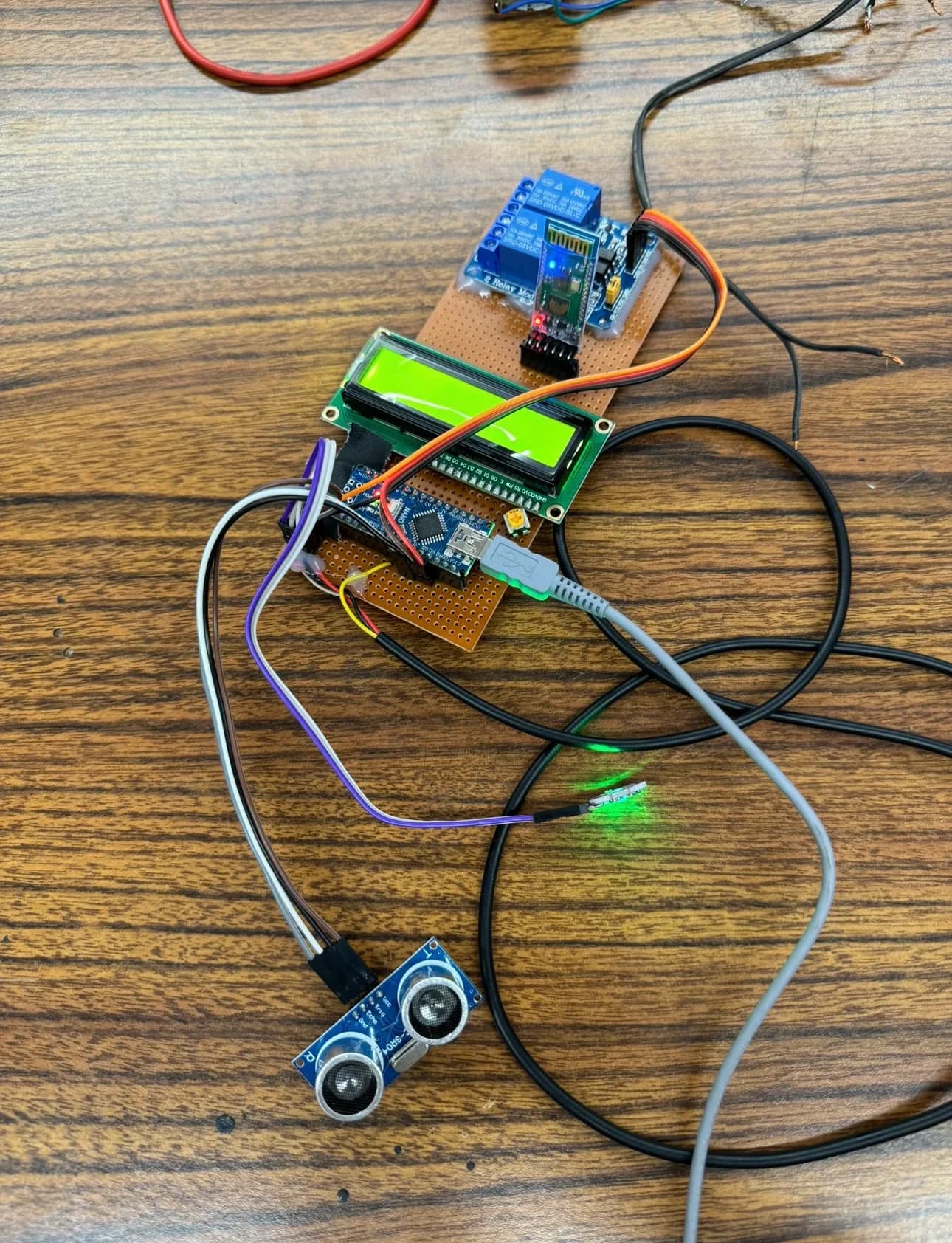
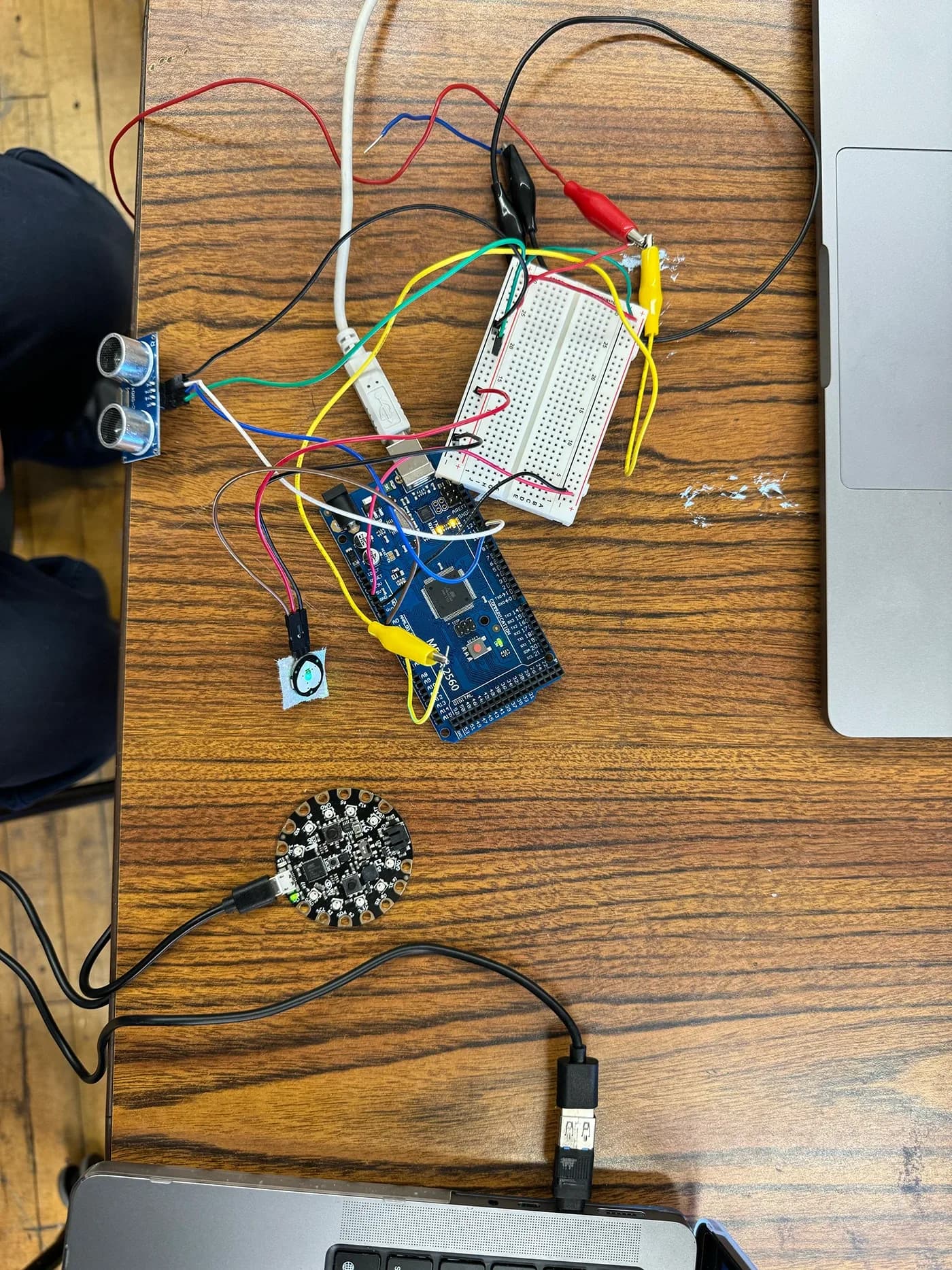
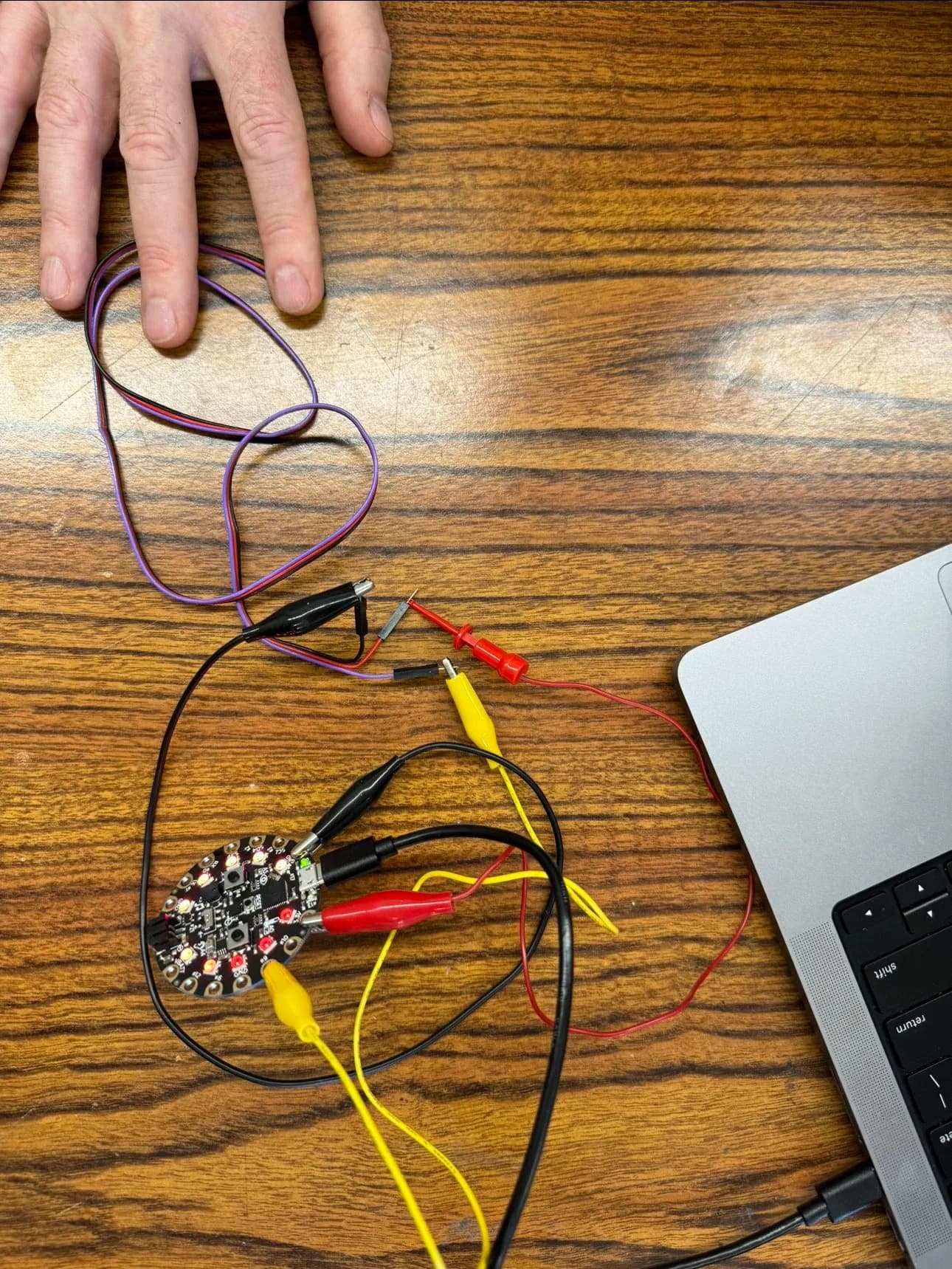
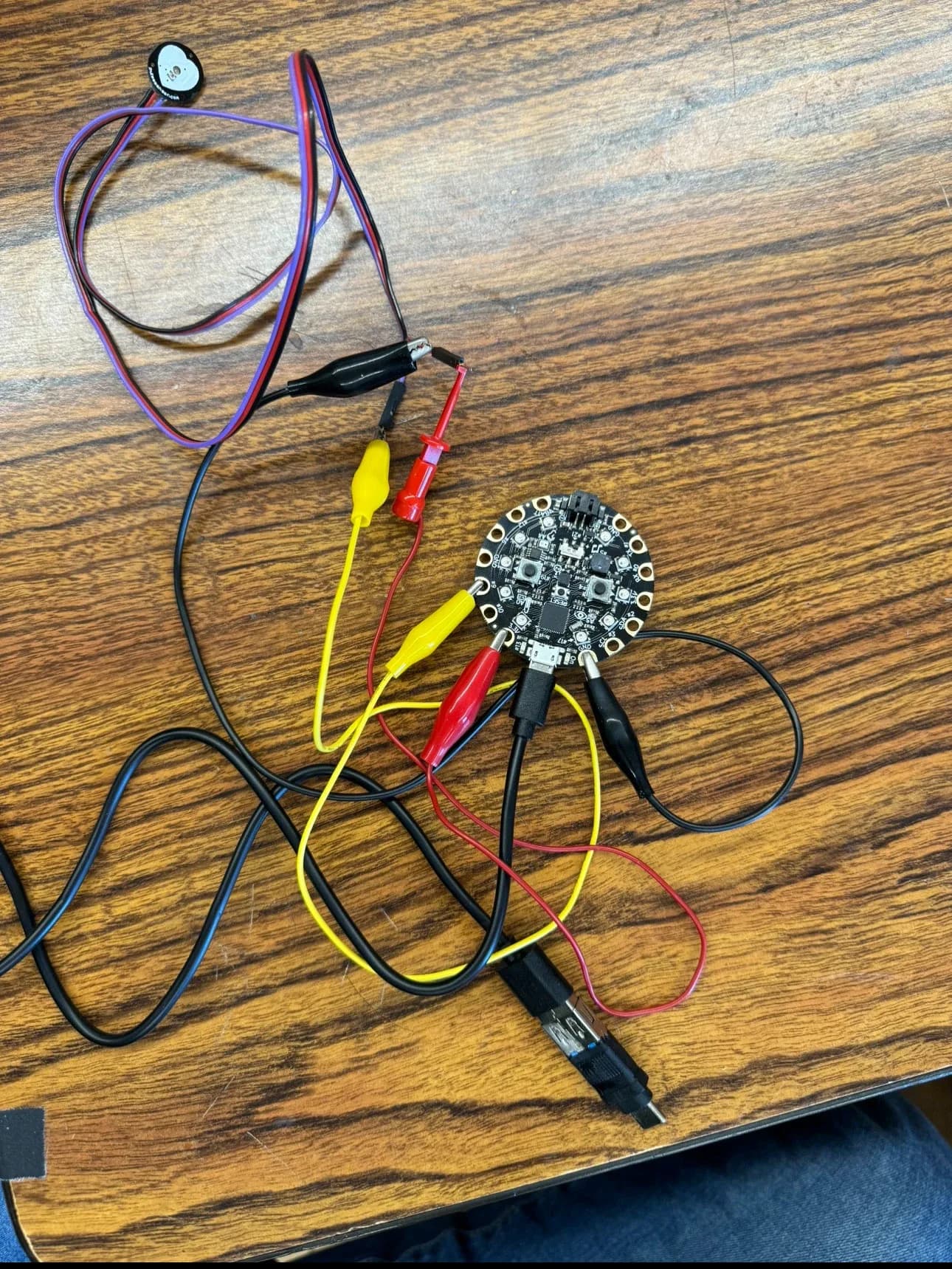
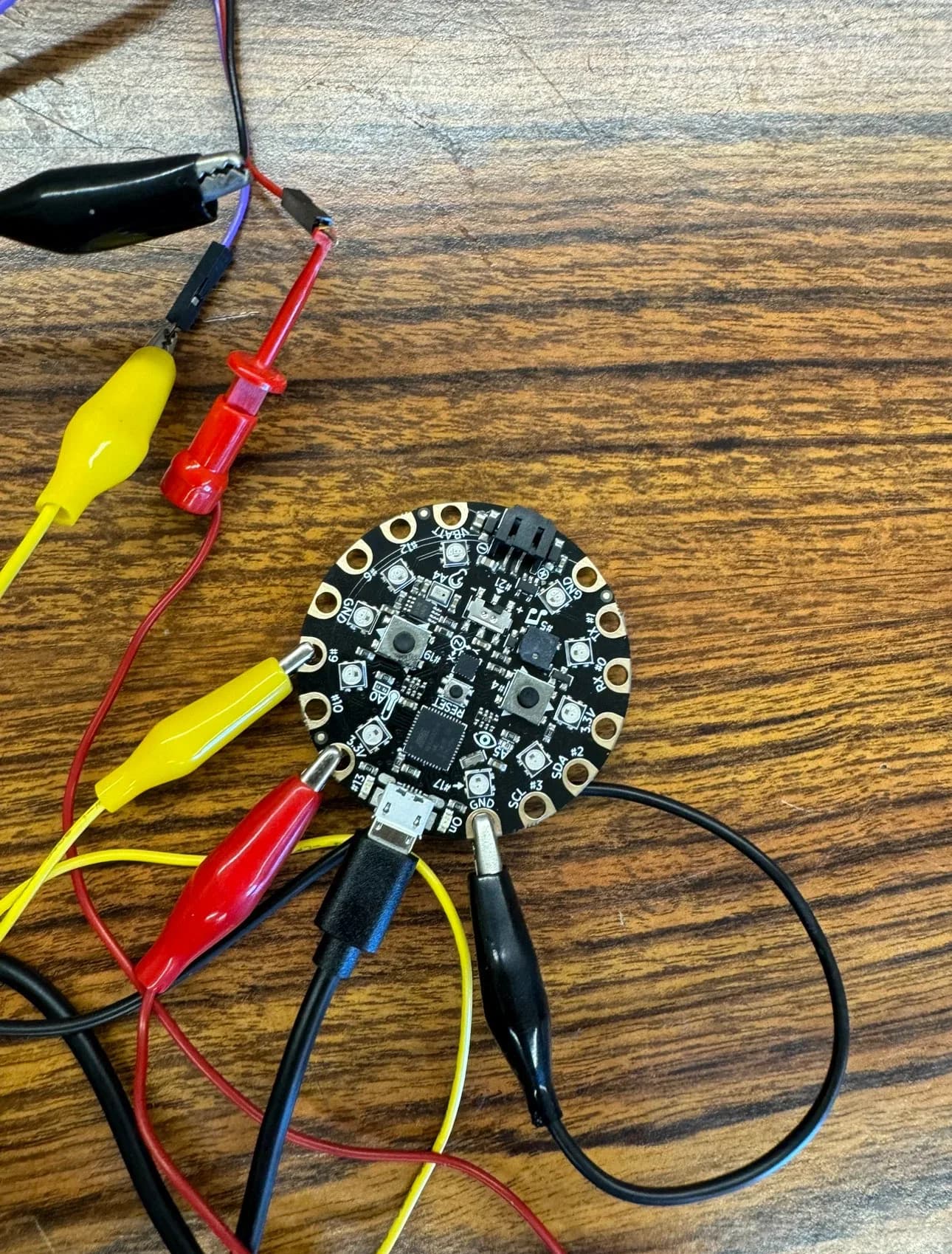
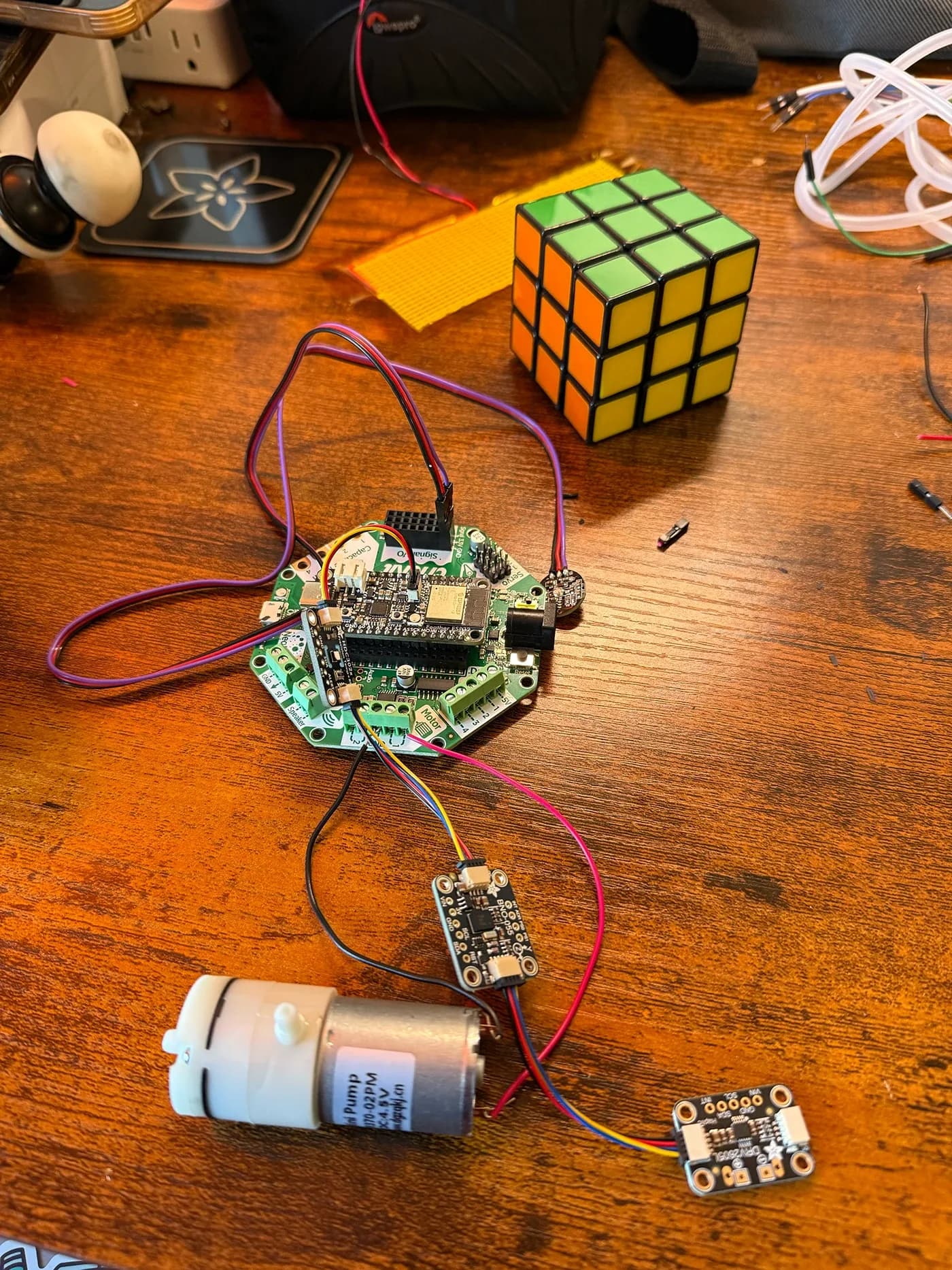
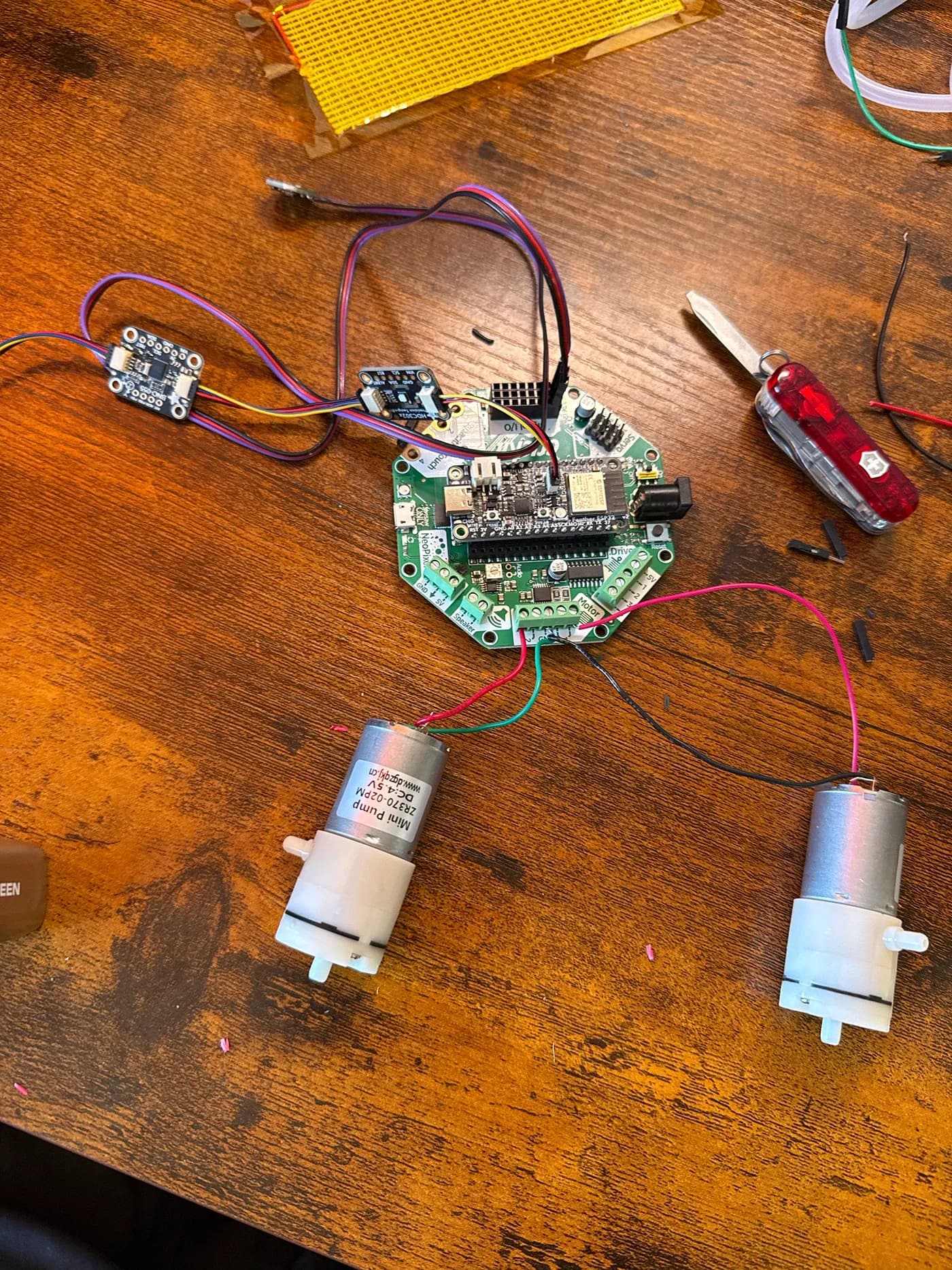
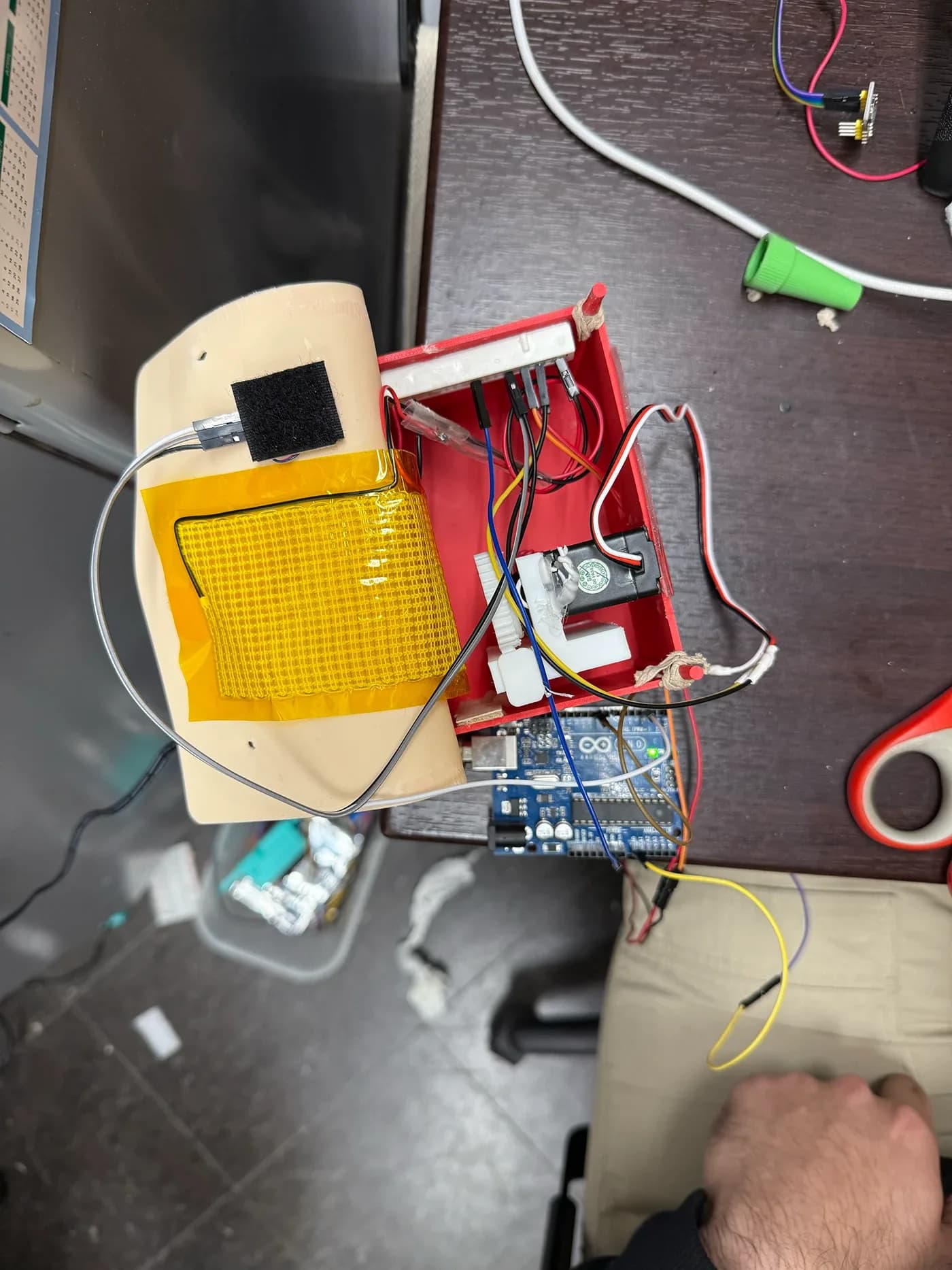
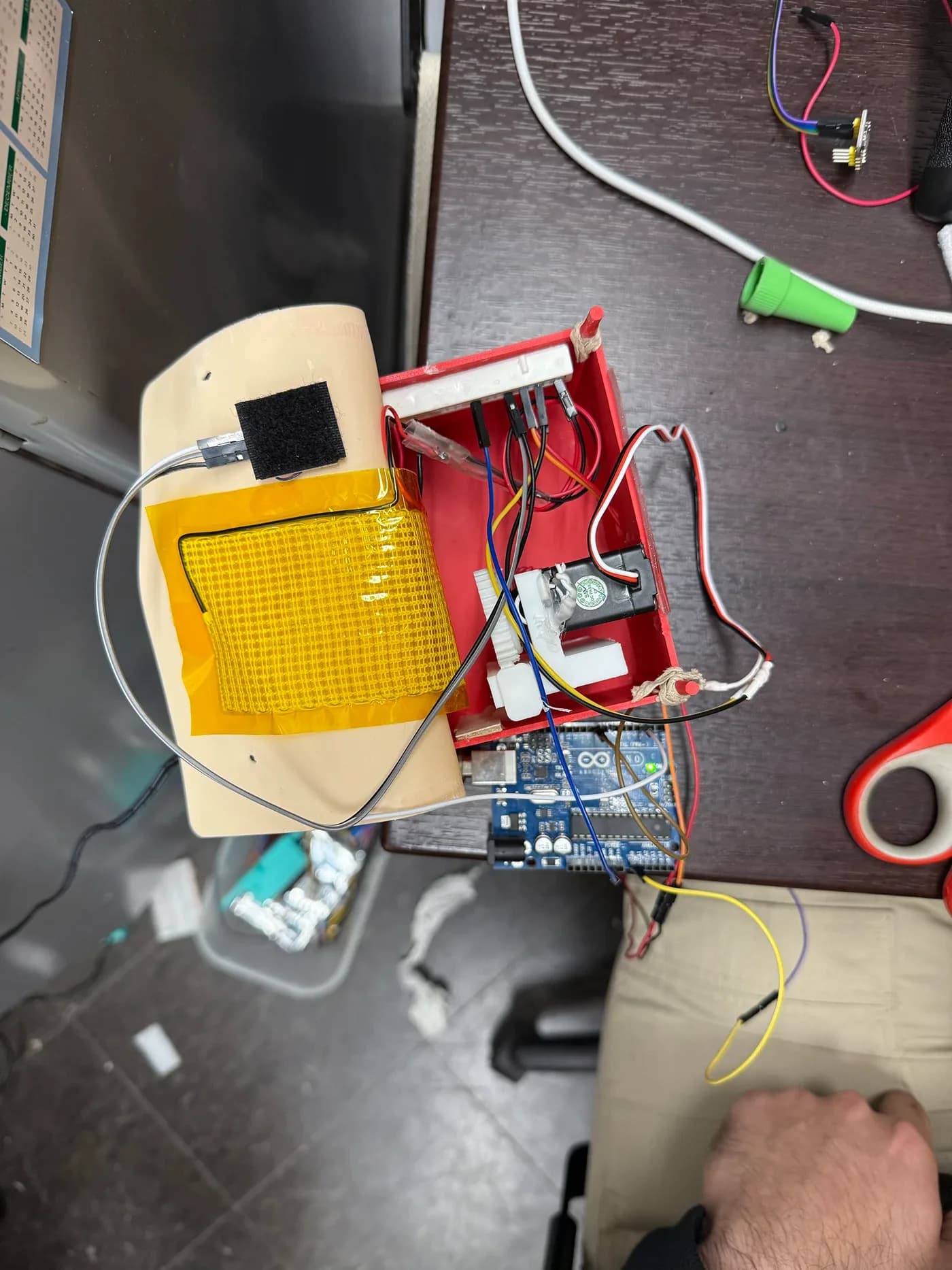
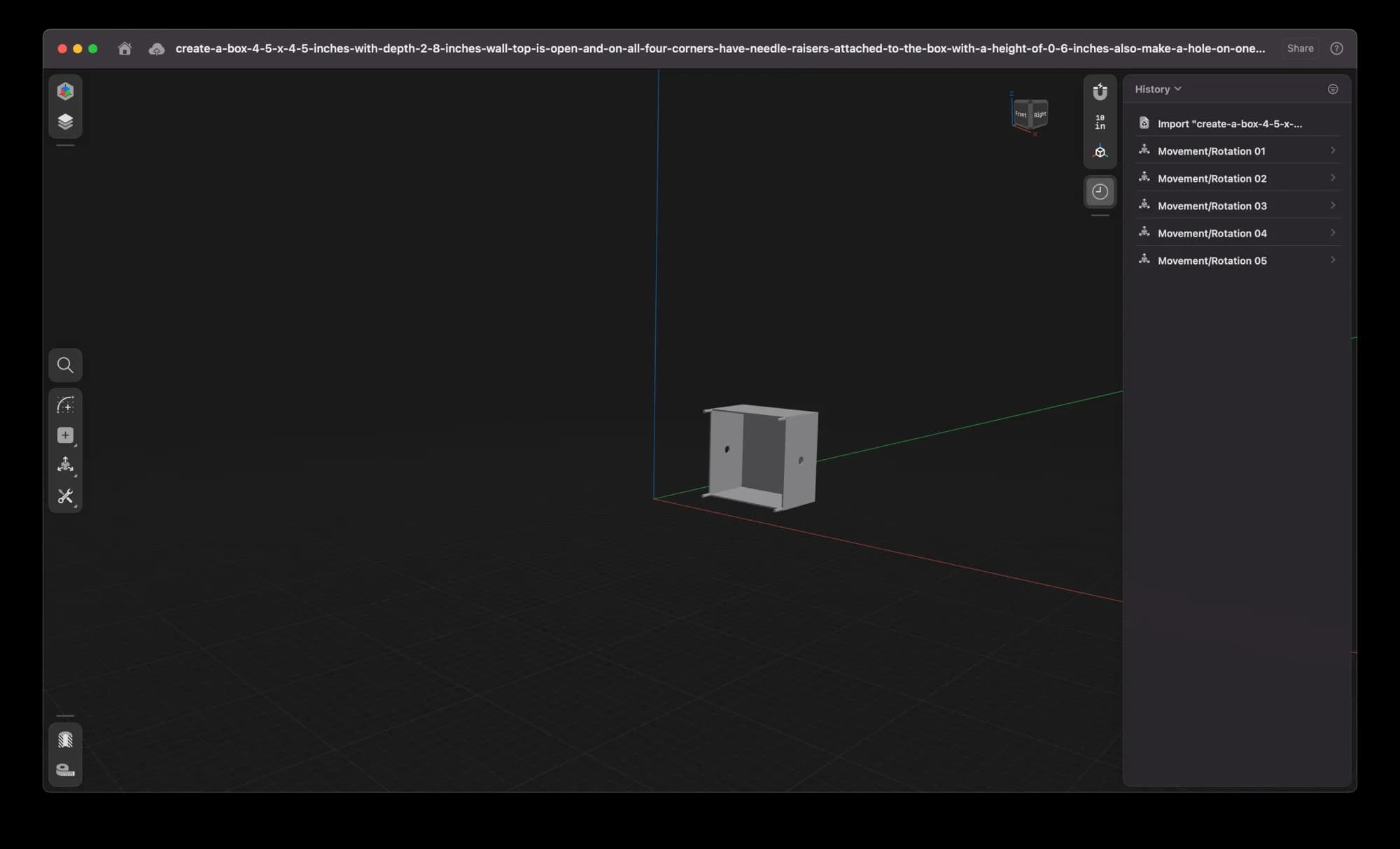
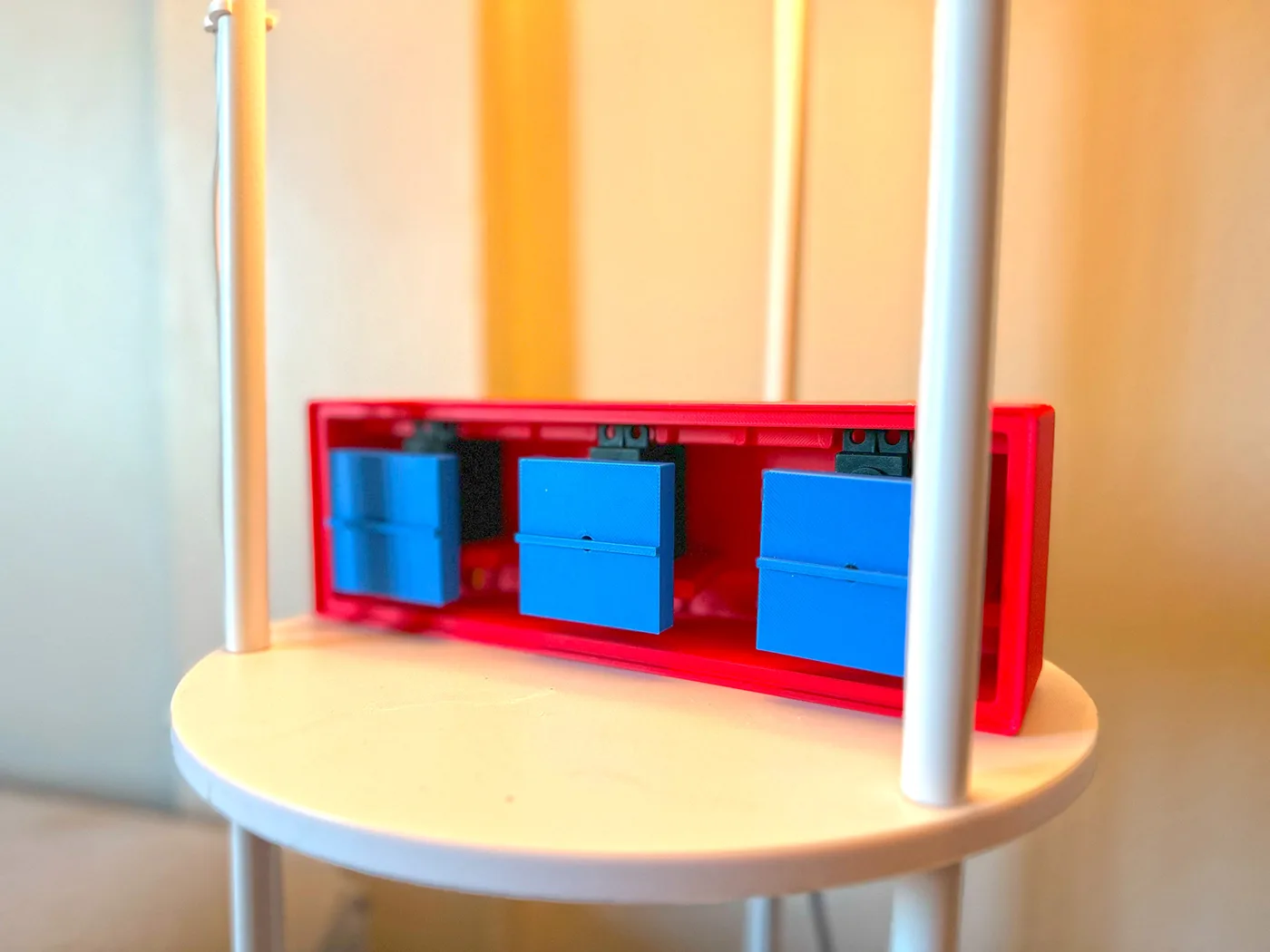
3D Printing Enclosure For The Project
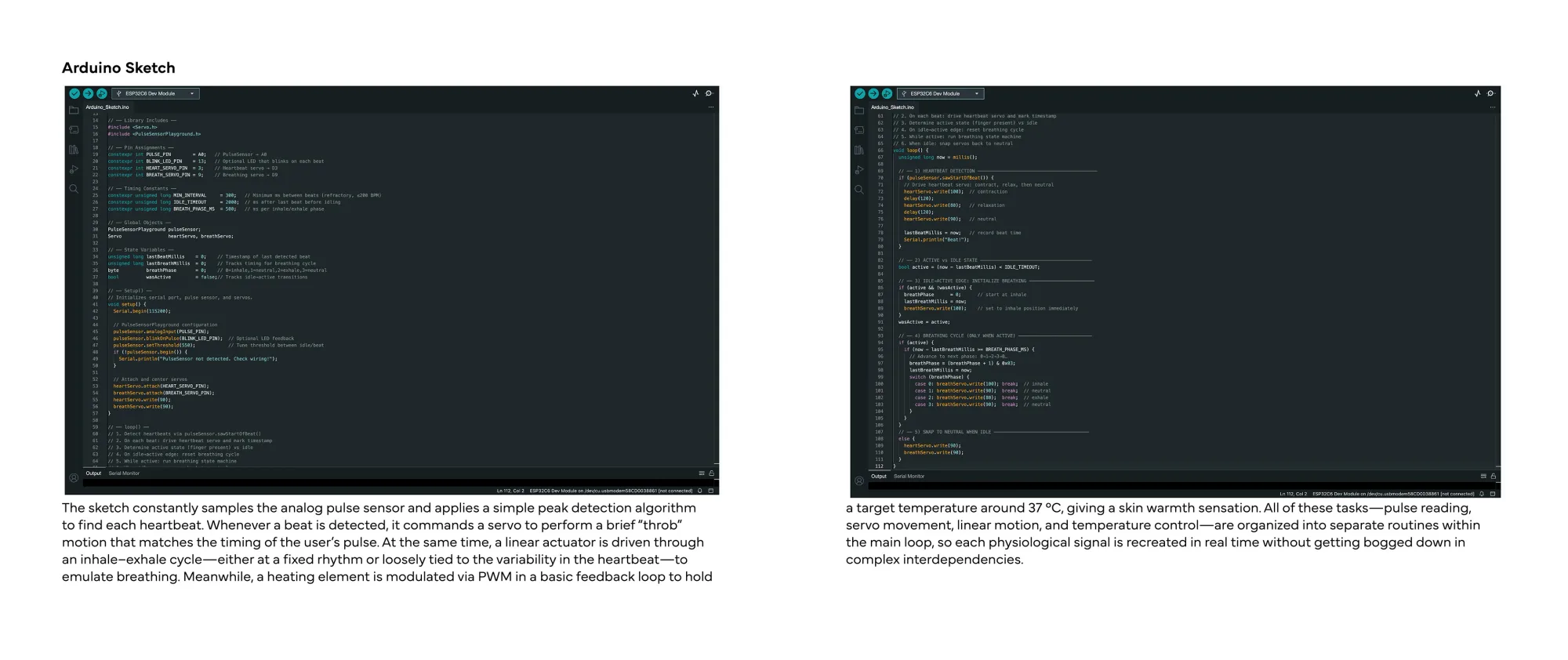
Arduino Sketch: // Author: Jawad Farooq Naik// Date Created: April 18, 2025, 10:00 AM EDT// Location: Boston, MA, USA// Project: Huggables// Institution: Massachusetts College of Art and Design// Department: Dynamic Media Institute// Project Description:// Huggables is an interactive project designed to bridge the emotional gap in long-distance relationships.// It consists of a set of interconnected body pillows that mimic the sensation of hugging a human.// When one partner’s pillow detects a pulse, the other partner’s pillow immediately actuates—and vice versa.// The system synchronizes a rhythmic heartbeat, gentle breathing motion, soothing warmth (temperature), and a familiar scent,// recreating the comforting presence of a real embrace across both pillows.// —— Library Includes —— #include #include // —— Pin Assignments —— constexpr int PULSE_PIN = A0; // PulseSensor → A0constexpr int BLINK_LED_PIN = 13; // Optional LED that blinks on each beatconstexpr int HEART_SERVO_PIN = 3; // Heartbeat servo → D3constexpr int BREATH_SERVO_PIN = 9; // Breathing servo → D9// —— Timing Constants —— constexpr unsigned long MIN_INTERVAL = 300; // Minimum ms between beats (refractory, ≲200 BPM)constexpr unsigned long IDLE_TIMEOUT = 2000; // ms after last beat before idlingconstexpr unsigned long BREATH_PHASE_MS = 500; // ms per inhale/exhale phase// —— Global Objects —— PulseSensorPlayground pulseSensor; Servo heartServo, breathServo;// —— State Variables —— unsigned long lastBeatMillis = 0; // Timestamp of last detected beatunsigned long lastBreathMillis = 0; // Tracks timing for breathing cyclebyte breathPhase = 0; // 0=inhale,1=neutral,2=exhale,3=neutralbool wasActive = false;// Tracks idle→active transitions// —— Setup() ——// Initializes serial port, pulse sensor, and servos.void setup() { Serial.begin(115200); // PulseSensorPlayground configuration pulseSensor.analogInput(PULSE_PIN); pulseSensor.blinkOnPulse(BLINK_LED_PIN); // Optional LED feedback pulseSensor.setThreshold(550); // Tune threshold between idle/beat if (!pulseSensor.begin()) { Serial.println("PulseSensor not detected. Check wiring!"); } // Attach and center servos heartServo.attach(HEART_SERVO_PIN); breathServo.attach(BREATH_SERVO_PIN); heartServo.write(90); breathServo.write(90);}// —— loop() ——// 1. Detect heartbeats via pulseSensor.sawStartOfBeat()// 2. On each beat: drive heartbeat servo and mark timestamp// 3. Determine active state (finger present) vs idle// 4. On idle→active edge: reset breathing cycle// 5. While active: run breathing state machine// 6. When idle: snap servos back to neutralvoid loop() { unsigned long now = millis(); // —— 1) HEARTBEAT DETECTION ———————————————————————————————————————————— if (pulseSensor.sawStartOfBeat()) { // Drive heartbeat servo: contract, relax, then neutral heartServo.write(100); // contraction delay(120); heartServo.write(80); // relaxation delay(120); heartServo.write(90); // neutral lastBeatMillis = now; // record beat time Serial.println("Beat!"); } // —— 2) ACTIVE vs IDLE STATE ————————————————————————————————————————— bool active = (now - lastBeatMillis) = BREATH_PHASE_MS) { // Advance to next phase: 0→1→2→3→0… breathPhase = (breathPhase + 1) & 0x03; lastBreathMillis = now; switch (breathPhase) { case 0: breathServo.write(100); break; // inhale case 1: breathServo.write(90); break; // neutral case 2: breathServo.write(80); break; // exhale case 3: breathServo.write(90); break; // neutral } } } // —— 5) SNAP TO NEUTRAL WHEN IDLE ——————————————————————————————————— else { heartServo.write(90); breathServo.write(90); }}
Github Repository: github.com/Jfnaikk/Huggables-Project/tree/main
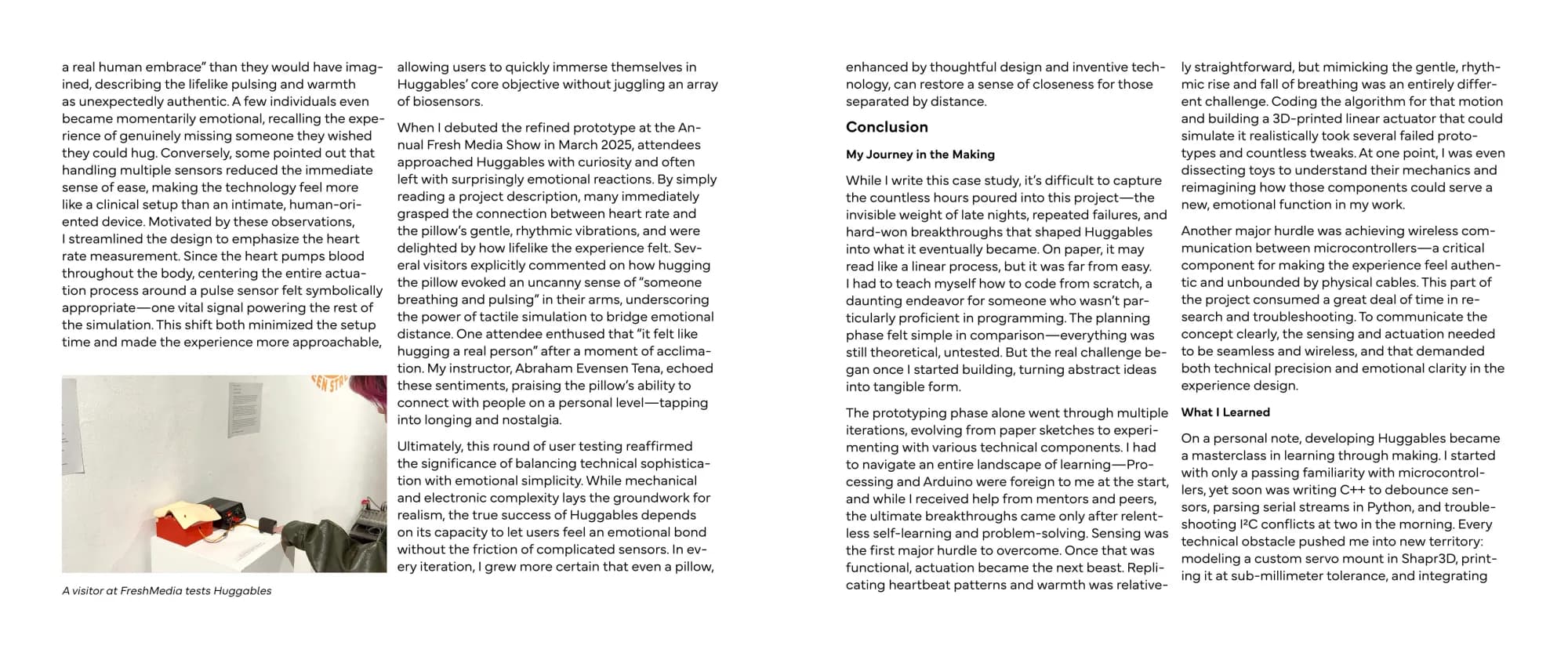
Huggables At The FreshMedia Exhibition Held At Boston Cyber Arts Gallery
More work
Digital Embodiment
A wearable sensing band and a homing beacon of rotating cubes that turn a distant loved one's motion into a living heart-rate line.

Digital Embodiment Thesis Promo
An Instagram carousel introducing my MassArt thesis, Digital Embodiment, and its Feelio prototype for long-distance couples.
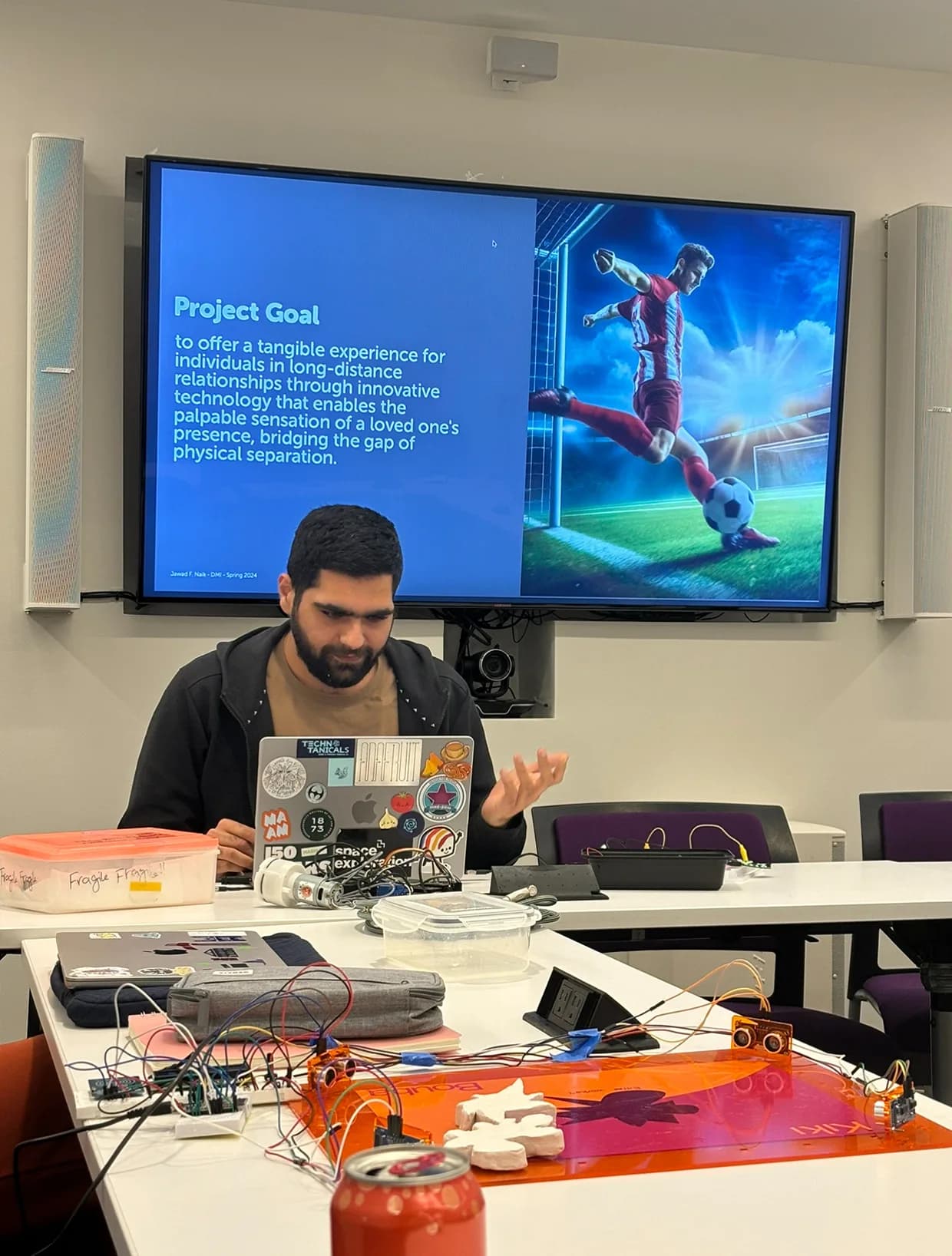
Huggables Sensing Prototype, MIT
My MIT Sensor Technologies final project: a Circuit Playground rig that senses heart rate, breathing and temperature for Huggables.