If you run a home care or home health agency, your website is doing at least three jobs at once. It has to reassure a worried daughter at 11 p.m., give a hospital discharge planner what they need in thirty seconds, and convince a good caregiver to apply to you instead of the agency down the road. Most agency sites I see do one of those jobs reasonably well and quietly fail the other two.
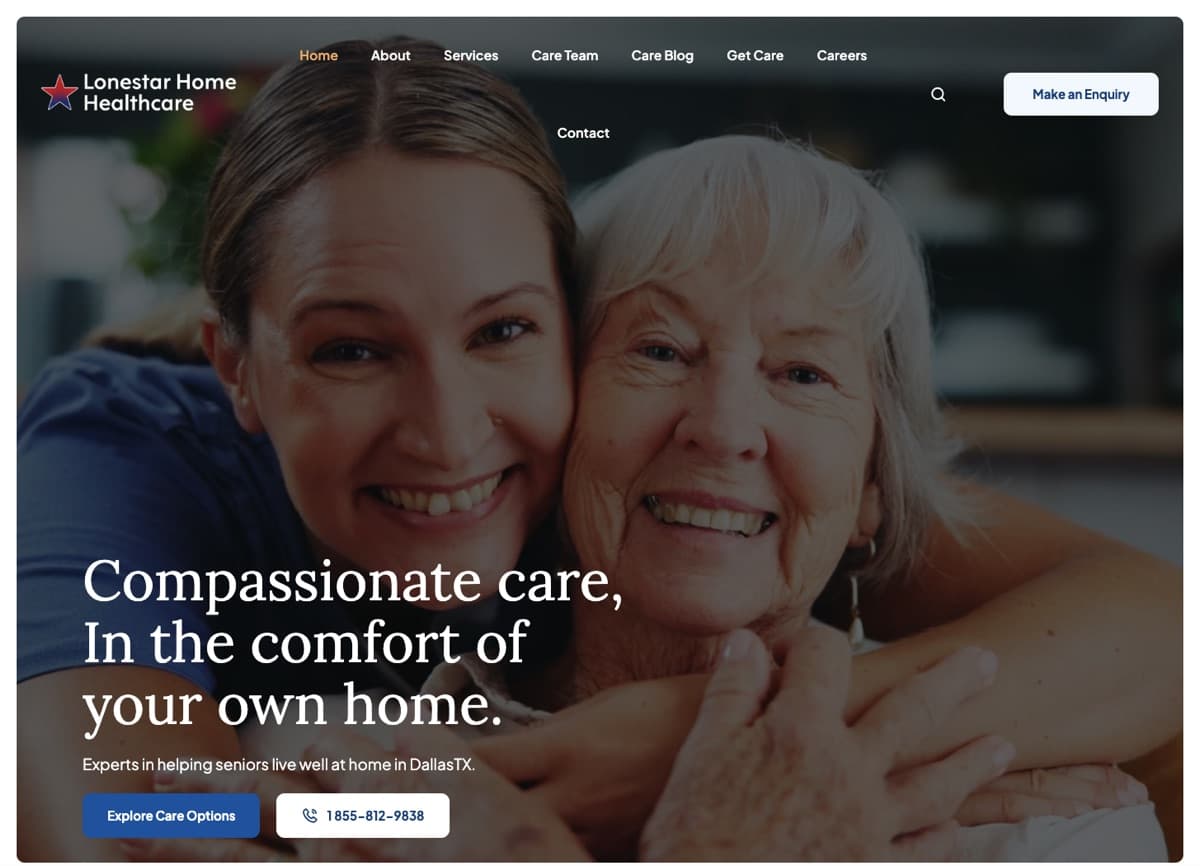
The short answer: a solid home care agency website checklist comes down to twelve things. Clear pages for each audience, honest local pages, visible proof that you are licensed and trustworthy, forms that respect health information, fast and accessible pages, and tracking that tells you which of those things is actually producing calls. I have designed and built sites for home healthcare agencies, including Epic Home Healthcare and Lonestar Home Healthcare, and this is the list I work from when planning a redesign.
What a home care website has to do
An agency website serves audiences with very different questions. Families want to know whether you can help, how quickly, and whether they can trust you. Referral partners want to know what you accept and how to refer. Caregivers want to know about pay, schedules and how you treat staff. Good home care website design separates those paths early and keeps each one short.
Pages and content
1. Clear services pages, one per service line
Families often don’t know the difference between home health, home care and hospice, and search engines can’t guess which one you offer. Give each service you actually provide its own page. Home health usually means skilled, physician-ordered care such as nursing and therapy. Home care usually means non-medical help with bathing, meals, companionship and daily living. Hospice is comfort-focused care near the end of life.
Each page should answer who it is for, what a visit looks like, how it is paid for (Medicare, Medicaid, long-term care insurance or private pay, as applicable), and how to start. If you don’t offer a service, say so. That honesty builds more trust than a vague “we do it all.”
2. Service-area pages done properly
Local pages are one of the most common home care website mistakes. Agencies publish forty near-identical pages that swap in a city name and nothing else. Google’s spam policies describe this as doorway abuse, and specifically call out pages targeted at specific regions or cities that funnel users to one page.
A good service-area page earns its place: the counties you really cover, the office that serves them, the facilities you commonly work with and local contact details. If you can’t write something specific for a town, list it on a broader regional page instead.
3. A separate careers path for caregivers
Caregiver recruiting is a second business inside your agency, and it deserves its own front door. A careers section should sit in the main navigation and cover what caregivers care about: roles, schedules, training, benefits and how quickly you respond.
Keep the application short on mobile, since most caregivers will apply from a phone. And keep recruiting traffic separate from client inquiries in your forms and analytics. Otherwise your “leads” number is a blend of job seekers and families, and it tells you nothing.
4. A page for referral partners
Hospitals, physicians’ offices, case managers and discharge planners are often your most valuable source of clients, and they are busy. Give them a dedicated page that answers their questions without a phone call: service lines, payers you accept, counties you cover, typical time to start of care, and exactly how to send a referral (secure fax, phone, a referral portal or form).
Put a direct intake number there, not the general line.
Trust and compliance
5. Trust signals that are real
Families are inviting a stranger into a parent’s home, so they look for proof first: licensure and certification details, accreditation if you have it, genuine reviews, how long you have operated, and real photos of your team.
Stock photos of smiling models are easy to spot and quietly undermine the rest of the page. If your brand feels scattered across the website, printed materials and social profiles, my post on how to design a brand identity system walks through pulling it together.
6. HIPAA-aware forms
Intake and referral forms are where a marketing website starts collecting health information. A form asking for a diagnosis or a Medicare number needs very different handling from one asking for a name and phone number: where submissions go, who can see them, and whether the tools involved will sign a Business Associate Agreement.
I cover this properly in what a HIPAA-compliant website means for a home health agency, so I won’t repeat it here. The design principle is simple: collect the minimum on the public site, and move anything clinical into a system built for it.
7. A privacy policy and honest consent
Your privacy policy should describe what your site actually does: which forms you run, what analytics and advertising tools load, and what you do with submissions. A template copied from another business rarely matches reality.
The same goes for consent. If you send text messages or add people to email lists, ask clearly and record that they agreed. Be especially careful with tracking pixels on service, intake and contact pages, since a visit to those pages can itself say something about a person’s health.
Speed, search and accessibility
8. Fast pages that meet Core Web Vitals
Many visitors are on phones, often in a hospital hallway. Google’s Core Web Vitals give you concrete targets: Largest Contentful Paint within 2.5 seconds, Interaction to Next Paint of 200 milliseconds or less, and Cumulative Layout Shift of 0.1 or less, measured at the 75th percentile of real visits.
The usual culprits on agency sites are oversized hero images, heavy page builders, chat widgets and several tracking scripts loading at once. I explain what each metric means, in plain English, in Core Web Vitals explained for business owners.
9. Structured data that matches the business
Structured data helps search engines understand who you are, where you are and what you do. There is no dedicated schema.org type for home health or home care today, so I usually describe an agency as a MedicalBusiness, a subtype of LocalBusiness, for medical home health, or as a plain LocalBusiness for non-medical home care. Add your name, address, phone, hours, service area and logo, and keep them identical to your Google Business Profile.
Google’s local business structured data guidelines are the reference to follow. Structured data is one item on a longer list; my technical SEO checklist for small businesses covers the rest, from sitemaps to redirects.
10. Accessibility to WCAG 2.2 AA
Your audience includes older adults and people using assistive technology. I build to WCAG 2.2 Level AA, which includes readable contrast, full keyboard navigation, labeled form fields, captions on video, and newer criteria such as a minimum size for tap targets and keeping focused elements visible.
There is also a regulatory angle. HHS’s Section 504 rule requires recipients of HHS federal financial assistance to make websites conform to WCAG 2.1 AA, and in 2026 HHS extended the compliance dates to May 11, 2027 for recipients with 15 or more employees and May 10, 2028 for smaller ones. If your agency takes Medicare or Medicaid, ask your compliance advisor whether this applies to you. Building to 2.2 AA covers 2.1 AA as well.
Conversion
11. Click-to-call and a mobile-first layout
Most families would rather talk to a person than fill in a form, especially in a crisis. On mobile, your phone number should be a tappable link visible without scrolling. Design the mobile layout first, then expand it for desktop.
Good home care website conversion is mostly about removing friction: one obvious action per page, short forms and clear office hours. If calls go unanswered at night, that is a gap worth closing, whether with an on-call line or something like the AI receptionist I designed for a home healthcare agency.
12. Analytics that answer real questions
Installing analytics is easy; getting answers from it is harder. Before launch, write down your questions. How many families called or sent an inquiry this month, and from which pages and sources? How many caregiver applications came in?
Then track calls, client inquiries, caregiver applications and referrals as distinct events, and keep analytics tooling away from pages that collect health details unless your compliance team has approved it.
Home care website mistakes I see most often
- One contact form for everyone: families, job seekers and referral partners all land in the same inbox, and the urgent messages wait behind the rest.
- Dozens of thin city pages: a lot of work that risks hurting search visibility rather than helping it.
- Hiding the phone number: tucked into the footer or shown as plain text that can’t be tapped.
- Redesigning without a plan for old URLs: rankings earned over years disappear because pages moved without redirects.
If you are budgeting for a redesign, my breakdown of what a home health agency website costs explains where the money typically goes and which items above add the most effort.
The checklist on one page
Here are the home health website must haves in one list you can print and take into a planning meeting.
- A separate services page for each service line you offer, with payment options and next steps.
- Service-area pages with real local detail, or a single regional page instead of thin copies.
- A careers path for caregivers, in the main navigation, with a short mobile application.
- A referral-partner page with payers, coverage area, intake number and how to refer.
- Real trust signals: licensure, accreditation, genuine reviews and real team photos.
- HIPAA-aware forms that collect the minimum and route submissions securely.
- A privacy policy that matches what the site does, and recorded consent for messaging.
- Core Web Vitals within target: LCP 2.5 s, INP 200 ms, CLS 0.1.
- Structured data (MedicalBusiness or LocalBusiness) that matches your business listing.
- Accessibility built to WCAG 2.2 AA and tested with a keyboard and screen reader.
- Tap-to-call visible on every mobile screen, with a mobile-first layout.
- Analytics that separately track calls, inquiries, applications and referrals.
Frequently asked questions
What pages should a home care agency website have?
At minimum: a homepage, one page per service line, a service-area or locations page, an about page with your team and credentials, a careers section for caregivers, a page for referral partners, a contact page, and a privacy policy. Add individual location pages only when you can write something genuinely specific for each area. Everything else, such as a blog or resource library, is optional and should come after the core pages work well.
How many service-area pages should a home care agency have?
As many as you can make genuinely useful, and no more. A page per office or county you really serve, with local contacts and details, is reasonable. Dozens of pages that only swap a city name look like doorway pages under Google’s spam policies. When in doubt, list smaller towns on a regional page rather than giving each one its own thin page.
Does a home care website need to be HIPAA compliant?
It depends on what the site collects and whether your agency is a covered entity. A brochure site with a simple call-back form carries less risk than one that collects diagnoses or insurance numbers. Any tool that receives protected health information on your behalf generally needs a Business Associate Agreement. Confirm the specifics with your compliance officer, and see my separate HIPAA post for the details.
What is a good page speed for a home health website?
Aim for Google’s “good” Core Web Vitals thresholds: Largest Contentful Paint within 2.5 seconds, Interaction to Next Paint of 200 milliseconds or less, and Cumulative Layout Shift of 0.1 or less, measured at the 75th percentile of real visits. Check them on mobile specifically, since that is where most families and caregivers will find you and where slow sites struggle most.
Which schema type should a home care agency use?
Schema.org has no dedicated home care or home health type. Medical home health agencies often use MedicalBusiness, a subtype of LocalBusiness, while non-medical home care agencies can use LocalBusiness. What matters more is accuracy: your name, address, phone, hours and service area should match your Google Business Profile and what visitors see on the page.
Planning a redesign?
If you are about to rebuild your agency’s website, or you suspect the current one is working against you, I’m happy to be a second pair of eyes. I can walk through your site against this checklist and tell you honestly which items matter most for your agency. Get in touch and tell me a little about where you are today.