A plumber, a tax preparer and a home care agency lose leads the same way. Someone fills out the form at 9:40 p.m., gets nothing back, and books whoever answered first. Lead follow up automation fixes the part of that story that has nothing to do with skill: the gap between “someone asked” and “someone answered.”
The short answer: automate the acknowledgement, the routing, the reminders to your own team and a short, polite sequence that stops the moment a real conversation starts. Keep the actual selling, quoting and judgment calls human. This post is the design I use, step by step, with the consent rules for email and texting that most off-the-shelf sequences quietly ignore.
Why speed matters more than the perfect message
The most cited research on this is still the 2011 Harvard Business Review study “The Short Life of Online Sales Leads” by Oldroyd, McElheran and Elkington. They audited 2,241 U.S. companies by sending each a web lead. 37% responded within an hour, 24% took more than 24 hours, 23% never responded at all, and the average response time among companies that replied within 30 days was 42 hours. In a separate study of 1.25 million leads at 42 companies, the same authors found that firms that tried to reach a lead within an hour were nearly seven times as likely to qualify it (which they defined as having a meaningful conversation with a key decision maker) as firms that tried even an hour later.
It is an old study, and qualifying a lead is not closing it, so I read the figure as a direction, not a promise: the slow part is usually the wait, not the pitch, and waiting is what software fixes.
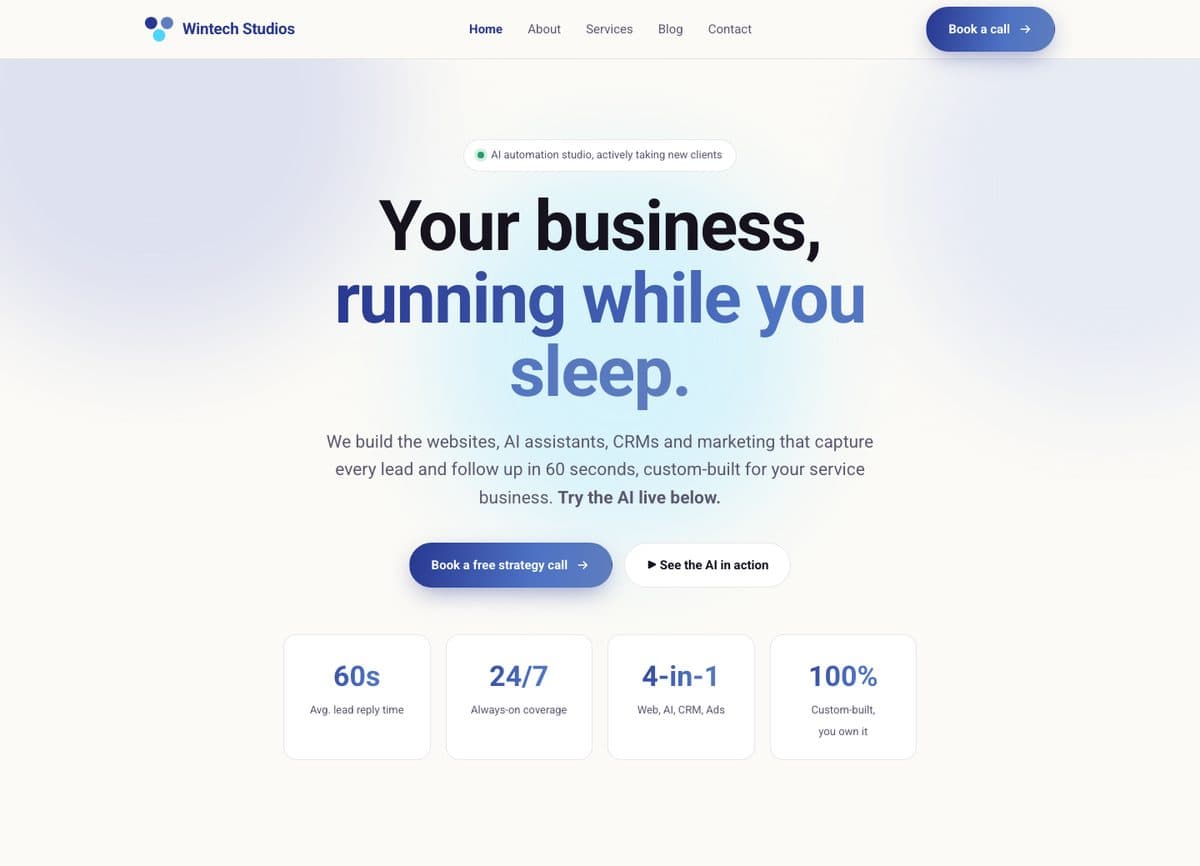
It is also why the Wintech Studios site I built leads with following up on every lead in 60 seconds. That is the client’s positioning, and it is the right instinct. The point is not a magic number. The point is that the first reply should never depend on someone checking an inbox.
The five parts of a lead follow up automation
When I map a follow-up system for a client, it always breaks into the same five parts.
- Capture. Every source (website form, phone, missed call, chat, estimator, referral email) lands in one place and creates one record. If leads live in three inboxes, no automation will save you.
- Acknowledge. The lead gets an immediate, honest reply: we got it, here is what happens next, here is when. Not a sales pitch.
- Route. The right person gets told, with the details they need, and a task with a due time. This is the step that actually moves conversion, because it puts a human on the phone.
- Persist. If the lead does not reply, a short sequence of follow-ups runs over a week or two, then stops.
- Close the loop. Every lead ends in a recorded outcome: booked, lost (with a reason), not a fit, or parked for later. Without this, you can’t tell whether any of it works.
Capture: one record per person
Deduplicate on phone number and email. A family that calls, then fills out the form, then emails a referral note is one lead, not three, and three separate sequences firing at the same person is the fastest way to look careless. Tag the source on the record from day one.
Capture is also where structured forms pay off. On the OSCPA fee estimator I built, the forms a client selects and the estimated total travel with the lead, so the person making the first call already knows the situation. I wrote about that build in showing prices online with a fee estimator.
Acknowledge: say what happens next
A good acknowledgement answers three questions: did it arrive, who will contact me, and when. “Thanks, we got your request. Sarah will call you before noon tomorrow from (555) 010-2000” beats any amount of brand copy. Only promise a time your team can keep.
Route: the human handoff is the product
Routing rules can be simple: by service type, by area, by business hours. What matters is that the notification creates a task with a deadline and an owner, and that someone gets nudged if the task is still open after, say, two hours. I escalate to a second person rather than sending a third reminder to the first.
A sample follow-up sequence
Here is a starting sequence for a typical service business lead, such as a quote request. The timings are my defaults, not a standard. Adjust them to how fast your buyers decide.
| When | Channel | What it does | Stops if |
|---|---|---|---|
| Instantly | Email, plus a text if they opted in | Acknowledge, name the person who will reach out, give a time | Never skipped |
| Within your promised window | Phone call (human) | First real conversation, qualify, book | Lead books or replies |
| Same day, if no answer | Text or email | “Tried to reach you, here is a link to pick a time” | Any reply |
| Day 2 | Phone call (human) | Second attempt at a different time of day | Any reply |
| Day 4 | Useful content: what the process looks like, typical price range, an FAQ | Any reply | |
| Day 8 | A plain question: “Still looking, or should I close this out?” | Any reply | |
| Day 14 | System | Mark as no response, move to a low-frequency newsletter only if they agreed to it | Not applicable |
A few design choices hide in that table:
- Calls stay human. The automation creates the call tasks. It does not place autodialed or prerecorded calls, which carry their own consent rules.
- Any reply stops everything. If the lead texts back “Thursday works,” the next automated message must not be “Just checking in!”
- The “close this out” email is my favourite step, because it gives people an easy, polite way to say no. A clear no is worth more than an open lead that rots.
- It ends. Fourteen days, then the lead is either in a conversation or out of the active pipeline.
The consent rules for email
Follow-up email to a lead who asked you for a quote is closer to a reply than to a marketing blast, but the line moves as soon as your messages start promoting things. The FTC’s CAN-SPAM compliance guide lists what commercial email needs: accurate header information, a subject line that matches the content, a clear disclosure that the message is an ad, your valid physical postal address, and a clear way to opt out. Opt-outs must be honored within 10 business days, and the law makes no exception for business-to-business email.
The same guide puts penalties at up to $53,088 per violating email, and says you can’t contract away responsibility to the tool or agency that sent it. So the address and unsubscribe link go in every promotional template.
Then there is deliverability, which is not law but decides whether anyone sees your email. Google’s email sender guidelines require every sender to Gmail to set up SPF or DKIM and keep spam rates reported in Postmaster Tools below 0.3%, with 0.1% as the target. Senders of 5,000 or more messages a day also need DMARC and one-click unsubscribe on marketing messages. Set up all three from the start anyway.
The consent rules for texting
Texting gets the fastest replies and the most legal risk. The FCC’s TCPA rules at 47 CFR 64.1200 are where that risk lives, and three parts matter for lead follow-up:
- Marketing texts need written consent. The regulation defines prior express written consent as a signed agreement (an electronic signature can count where federal or state law recognizes it) that clearly authorizes the seller to send advertisements or telemarketing messages using an autodialer, and names the number. It must also clearly disclose that signing is not required as a condition of purchasing anything.
- Quiet hours. Telephone solicitations to residential subscribers are not allowed before 8 a.m. or after 9 p.m., local time at the recipient’s location. Your automation should schedule by the lead’s time zone, not yours.
- Opt-outs in any reasonable form. Revocation requests made in any reasonable manner must be honored within a reasonable time, no more than ten business days. A single confirmation text is allowed if it only confirms the request and contains no marketing.
In practice that means a checkbox on your form, unticked by default, with plain consent language next to it, and a stored record of what the lead agreed to and when. A form without it still gets an email acknowledgement and a human call, just no automated texts. I go deeper on carrier registration (A2P 10DLC) and opt-out handling in my guide to texting rules for home care agencies, and most of it applies to any service business.
What I don’t automate
Automation is only as good as what it refuses to do. These stay with a person in every build I do:
- Quotes and prices beyond a published range. An estimator can show a range. A final number comes from someone who has looked at the job.
- Anything sensitive. For healthcare clients, the follow-up messages never carry health details. “We received your request, a care coordinator will call you” is the whole text.
- Complaints and upset replies. A reply containing anger or a problem should stop the sequence and alert a human, not trigger a cheerful next step.
- Re-engaging old leads at scale. If the consent record on a three-year-old spreadsheet is unclear, leave it alone.
When not to build this yet
If you get a handful of leads a week and the owner answers each one personally within the hour, a sequence adds little. Fix capture, add an instant acknowledgement, and stop there. The same goes for businesses that can’t yet keep the promise in the acknowledgement. Automating the first reply without a person to take the second one just makes the silence afterward more obvious. My guide to automation ideas for small businesses has a simple way to score which task to automate first.
Where the system should live
Most CRMs can run this whole design: forms, deduplication, tasks, sequences with stop conditions. If yours can’t stop a sequence on an inbound reply, that is a reason to switch. Custom builds earn their keep when follow-up has to read your own scheduling or pricing data. I lay out that decision in custom CRM vs off-the-shelf.
Launch checklist
- List every lead source and confirm each one creates a single record with its source tagged.
- Write the acknowledgement with a named person and a time you can keep.
- Set routing rules, a task deadline and an escalation to a second person.
- Add an unticked texting consent checkbox with clear language, and store the consent record.
- Put your postal address and an unsubscribe link in every promotional email template.
- Set up SPF, DKIM and DMARC on your sending domain.
- Make every inbound reply stop the sequence, and make STOP and plain-language opt-outs work.
- Schedule texts by the lead’s local time, inside 8 a.m. to 9 p.m.
- Define outcome reasons (booked, lost to price, lost to timing, not a fit, no response).
- Test it as a lead yourself, from a phone and email you don’t use for work, then review the first 30 days.
For the review, track three numbers: median time to first human contact, the share of leads with a recorded outcome, and booked jobs by source. If the first one drops and the third one doesn’t move, the problem is the conversation, not the automation.
Frequently asked questions
What is lead follow up automation?
It is a set of rules that captures every inquiry into one record, sends an immediate acknowledgement, assigns a person to follow up by a deadline, and runs a short sequence of reminders if the lead goes quiet. The goal is that no lead depends on someone remembering to check an inbox.
How fast should a business follow up with a lead?
As fast as you can do it well. In research published in Harvard Business Review covering 1.25 million leads, firms that tried to contact a lead within an hour were nearly seven times as likely to qualify it as firms that tried an hour later. I aim for an automated acknowledgement in seconds and a human contact within the window promised in that message.
Do I need consent to text leads?
For marketing texts sent through an autodialer, the FCC rules at 47 CFR 64.1200 require prior express written consent. Even for informational texts, I collect consent with a clear checkbox and keep a record. Rules vary by situation, so confirm your specific program with an attorney.
Want your follow-up mapped?
Most businesses don’t need a new platform. They need their lead sources in one place, an honest first reply and a rule that stops the robot when a person answers. If you’d like me to map your current follow-up and show you where leads are slipping, get in touch and I’ll give you a straight answer, including when the fix is a checkbox rather than a project.