An interactive 3D website is worth it when the 3D shows something a photo, a diagram or a sentence cannot: the shape of a product, how parts fit together, where things are in space, or a feeling that is the whole point of the brand. When it is only there to look impressive, it usually costs you speed, battery life and a share of your visitors, and the business gets nothing back.
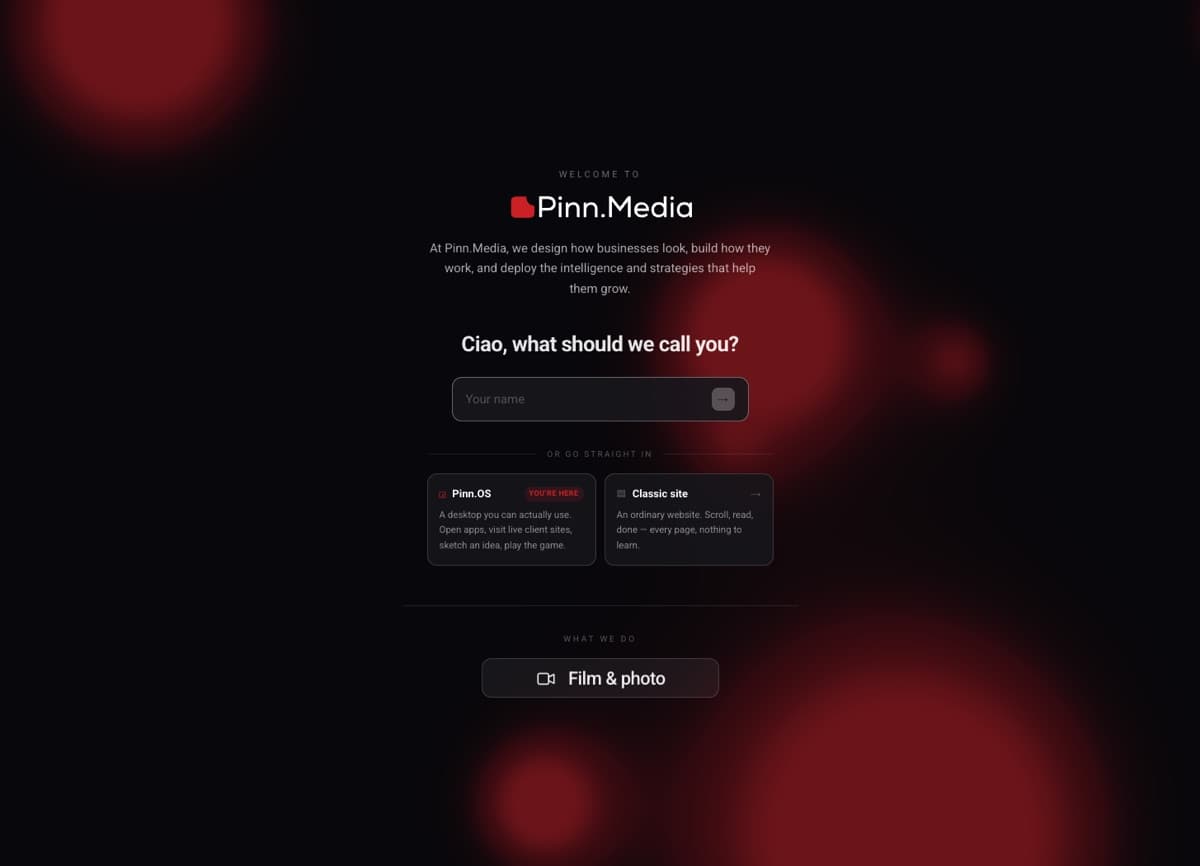
I build both kinds of sites. My own site has a spinning 3D globe on the home page, a physics lanyard badge you can grab and swing on the Journey page, and a WebGL sheet of paper you can crumple in the final call to action. The websites I build for home healthcare agencies, in my day job as Solutions Architect at Lonestar Home Healthcare and through Pinn.Media, are deliberately plain and fast instead. Here is how I decide, what 3D really costs, and how to build it so it doesn't break the page when you do say yes.
The one question I ask first
Before any talk of three.js or Spline, I ask: if we replaced this 3D scene with a good photo or a short video, what would the visitor lose?
If the answer is "they couldn't turn the product around," "they couldn't see how the pieces connect," or "they wouldn't feel the thing the brand is about," the 3D is doing a job. If the answer is "it would look less cool," it is decoration, and decoration has to be cheap. A heavy WebGL scene is not cheap decoration.
When an interactive 3D website is worth it
- The product's shape is the selling point. Furniture, devices, footwear, packaging, anything a buyer would pick up and turn over in a shop. Letting them rotate it answers questions that six photos only half answer.
- The product is configurable. Colours, materials, sizes or modules. A configurator that updates a real model in front of the buyer replaces a grid of near-identical photos.
- Space or geography is the story. A globe showing where you work, a floor plan you can walk through, a site map of a development. My home page globe exists because I work across time zones and the markers say that faster than a paragraph.
- The experience is the portfolio. For a creative studio, a developer or an agency, the site itself is proof of skill. The lanyard on my Journey page is there because it shows I can build physics, lighting and touch interaction, not because a badge needs to swing.
- One memorable moment, not a whole site. A single interactive hero or a single playful CTA can make a site stick in someone's head. The paper crumple at the end of my home page is one moment, and everything around it is plain HTML.
When it is not worth it
- Your visitors are stressed, rushed or on old phones. A daughter looking for home care for her father at 11pm wants a phone number, the services and a short form. Every second spent loading a 3D scene is a second she is not calling. That is why my home health work stays fast and plain.
- The conversion is a phone call or a form. For most service businesses the page's job is to earn trust and get out of the way. My website redesign checklist puts goals first for exactly this reason.
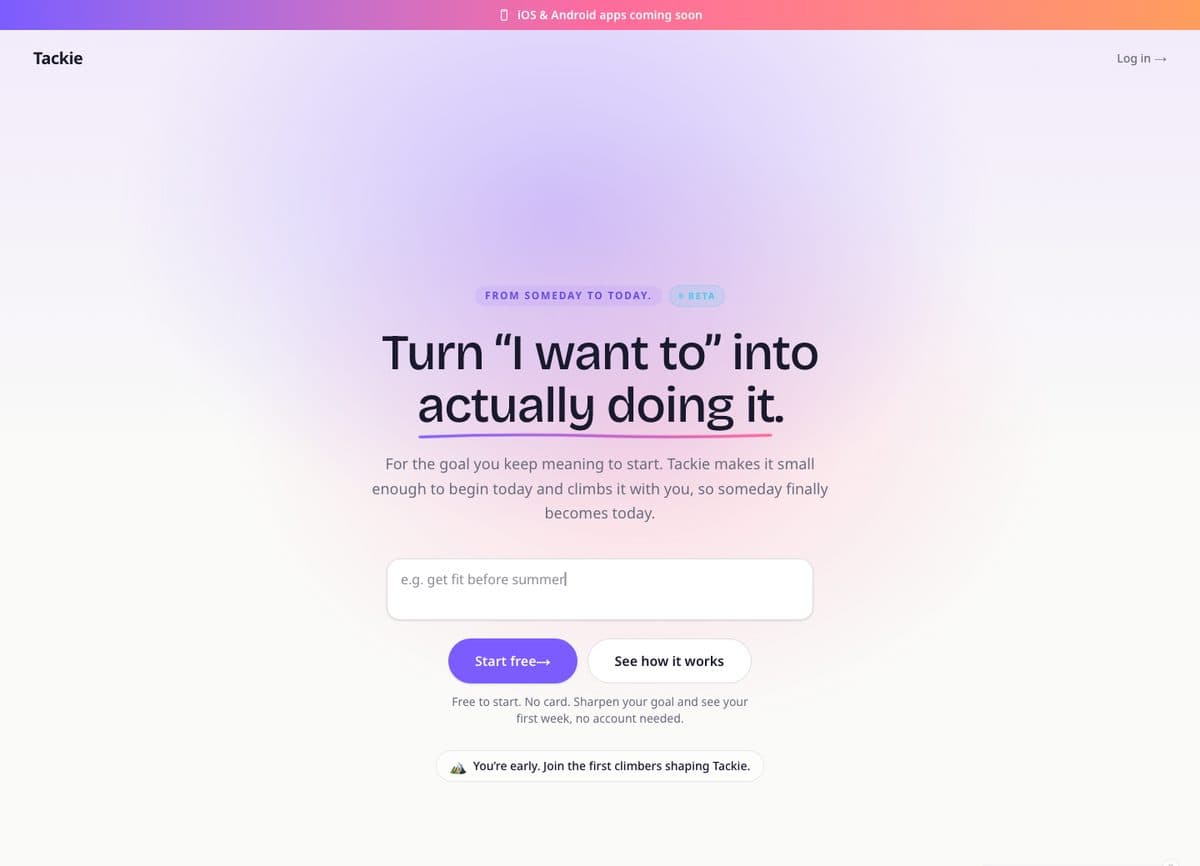
- A cheaper technique gets 90 percent of the effect. When I built Tackie, my goal app, the progress screen is a climber moving up a painted mountain. I animated it with plain CSS layers rather than a 3D engine so it runs smoothly on an ordinary phone. I wrote about that choice in how I built Tackie.
- Nobody will maintain it. 3D scenes depend on fast-moving libraries, GPU drivers and browser quirks. If there is no budget to test and update it, it will quietly rot.
- The budget can't cover the fallback. If you can't afford a good static version for devices that can't run the scene, you can't afford the scene.
What 3D actually costs you
The price isn't only the build. These are the costs that show up after launch.
Loading speed
Google's Core Web Vitals treat a Largest Contentful Paint of 2.5 seconds or less as good, measured at the 75th percentile of real page loads. Google's own LCP optimisation guide says the LCP resource should be discoverable from the HTML source, and calls out elements added by JavaScript as a cause of delay. A 3D hero is the worst case: the browser has to download the library, download the model and textures, compile shaders and then draw. If that canvas is your biggest element, your LCP waits for all of it. For context, the badge model on my own site is about 2.4 MB on its own, before the 3D library loads. My plain-English explainer on Core Web Vitals covers what the three metrics mean.
Responsiveness and battery
A scene that redraws 60 times a second keeps the processor busy, which can slow down taps and scrolling elsewhere on the page. The three.js manual on rendering on demand puts it plainly: for something that doesn't animate, rendering continuously wastes the device's power, and on a portable device it wastes the user's battery.
Memory
Three.js allocates GPU resources for geometries, materials and textures, and its guide on disposing of objects notes that these are not released automatically: your code has to call dispose(). On a site where people navigate between pages without a full reload, a scene that isn't cleaned up keeps holding memory.
Device support
The three.js WebGL compatibility check page says some devices or browsers may still not support WebGL 2, and recommends checking before you try to render. Even on capable devices the browser can drop the graphics context; MDN documents the webglcontextlost event that fires when the drawing buffer is lost. A scene with no plan for either shows a blank box.
Accessibility
WCAG 2.2 success criterion 2.2.2 Pause, Stop, Hide (Level A) requires a way to pause, stop or hide moving content that starts automatically, lasts more than five seconds and sits alongside other content, unless the motion is essential. Criterion 2.3.3 Animation from Interactions (Level AAA) asks that motion triggered by interaction can be disabled, and the W3C's explanation notes that animation can cause dizziness, nausea and headaches for people with vestibular disorders. Browsers expose the user's operating system setting through the prefers-reduced-motion media feature, so there is no excuse for ignoring it.
Cost and fix at a glance
| Cost | What it looks like | How I handle it |
|---|---|---|
| Slow first paint | Blank hero while the library and model load | Keep the headline and CTA in HTML, load the 3D after, show a skeleton or still image in its place |
| Heavy JavaScript | Every visitor downloads the 3D code, even if they never scroll to it | Code-split the scene and load it only when its section nears the viewport |
| Battery drain | Phone warms up, fans spin on laptops | Pause rendering offscreen, render on demand, lower frame rate on phones |
| Too many pixels | A screen with a device pixel ratio of 3 draws 9 times the pixels of a ratio of 1 | Cap device pixel ratio at 1.5 to 2 where the detail is invisible anyway |
| Memory leaks | Site slows down after visiting a few pages | Unmount the scene when it leaves the screen and dispose of GPU resources |
| No WebGL or lost context | Empty box | Show the image fallback until the scene reports it is ready, and on failure |
| Motion sensitivity | Visitors feel sick or distracted | Respect reduced motion, keep auto-motion gentle, never block content behind it |
How I built the 3D on my own site
Here are the concrete patterns from my site, because the details are where 3D goes right or wrong.
- The words are never inside the canvas. Every heading, paragraph and button around the globe and the badge is ordinary HTML. The 3D is the illustration, not the message, so search engines, screen readers and slow phones still get the full page. The crumple canvas is marked
aria-hidden, because MDN notes that a canvas on its own is just a bitmap that assistive technology can't read. The fallback image carries the alt text, and once the scene is ready a labelled button takes over, describing the paper and its keyboard controls (hold Space or Enter, arrow keys to move, Escape to reset). - Nothing heavy loads up front. The globe and the lanyard are dynamically imported, so three.js and the Rapier physics engine are only downloaded when their section is about to scroll into view. Until then a skeleton holds the space so the layout doesn't jump.
- Scenes leave when you do. The globe exists only while its section is near the screen and is unmounted again once you scroll on, which frees its memory. The crumple and dither effects use an IntersectionObserver to stop drawing when they are offscreen.
- Phones get a lighter version. On phones the globe switches to on-demand rendering capped at 30 frames a second, and the badge's physics step runs at 30 instead of 60. Device pixel ratio is capped at 1.5 on the globe because on a phone with a ratio of 3, full density would draw four times as many pixels as the cap, for detail nobody can see on a spinning planet.
- There is always a picture. The crumple CTA shows a normal image until the WebGL version reports ready, listens for lost and restored graphics contexts, and falls back to the image if anything fails.
- Reduced motion is respected. The crumple and dither effects read
prefers-reduced-motionand drop the tilt, coasting and wandering motion when it is on.
Cheaper middle grounds
Often the right answer is somewhere between a flat page and a full WebGL experience.
- CSS and GSAP scroll animation. Layered images, parallax and reveals feel dimensional for a fraction of the weight. Most of the motion on my site is this.
- A drop-in model viewer. For one product model, the open source <model-viewer> web component from Google displays interactive 3D models on the web and in AR without writing a custom scene.
- A rendered video or image sequence. If visitors only need to watch the product turn, not control it, a short muted loop or a scroll-scrubbed sequence of stills can do it. Keep 2.2.2 in mind: give longer loops a pause control.
- A static 3D render. A well-lit render from Blender or a product file is still "3D" to the visitor and costs one image.
A decision checklist
- Write one sentence on what the visitor can do or understand with the 3D that they can't without it. If you can't, stop here.
- Name the conversion. If it is a call or a short form, keep 3D out of the path to it.
- Check who visits. Look at your analytics for the share of mobile visitors and older devices before committing.
- Try the cheaper option first: CSS motion, a model viewer, a video or a render.
- If you go ahead, make the HTML page complete without the canvas.
- Budget for the fallback image, reduced-motion behaviour, lazy loading and offscreen pausing as part of the build, not as extras.
- Test on a mid-range phone on mobile data, not only on your laptop.
- After launch, watch real-user LCP and INP. If they slip, simplify the scene.
Frequently asked questions
Does an interactive 3D website hurt SEO?
Not by itself. What hurts is slow loading and important content hidden inside a canvas, because canvas content is a bitmap, not readable text. If your text lives in HTML and your Core Web Vitals stay in the good range, a 3D section can sit on the page without trouble.
Should my whole website be 3D?
Almost never, in my view. A single interactive moment on the pages where it earns its place beats a site where every page waits on a 3D engine. Navigation, contact details, pricing and forms should always be plain and fast.
three.js, Spline or a model viewer?
For a single product you want people to rotate, I'd start with a model viewer. For custom scenes, physics or effects tied to your design, I use three.js with React Three Fiber, which is what my site runs on. Visual tools like Spline are quick for prototyping; I check their output's file size and performance before shipping it to production.
What happens on phones that can't run it?
If it is built properly, they see a still image or a simpler version and lose nothing important. If it isn't, they see an empty box. Ask whoever builds it to show you the fallback before launch.
Thinking about 3D for your site?
I design and build both sides of this: calm, fast sites for healthcare and service businesses, and interactive 3D for products and brands where it does a real job. You can see the range on my services page. If you have an idea for an interactive 3D website, tell me what you want visitors to understand and I'll tell you honestly whether 3D is the right tool, and what a lighter version would look like.